22 Document Number: PD196-103 Rev 1
Basic Operation
On Screen Menu Language Selection
You can adjust the language used in displaying the (OSD) on screen display.
1.
Press the
SETUP
button on the remote control.
2.
Press the
CH
▲
/ CH▼
button to select the
OSD Language
menu.
3.
Press the
◄►
button to select your desired language.
4.
Press the
SETUP
button to exi
the main menu.
Changing the Source Input
The TV can be switched to other display modes such as VCR, DVD, PC, or other externally
connected devices.
1.
Press the
TV/AV button to change to another source input.
NOTE: The desired source input must be enabled in the Source Setup menu.
Please see
“Source Setup” instructions elsewhere in this manual for details.
2.
Alternatively, press
CH▲
/ CH▼
buttons until reaching the highest channel (or below to the
lowest channel). All activated sources will appear in the channel table above the highest
channel and is directly viewable.
NOTE: The “Channel to Other Sources” must be enabled in the FEATURES menu to allow
top of channel display of activated sources.
English
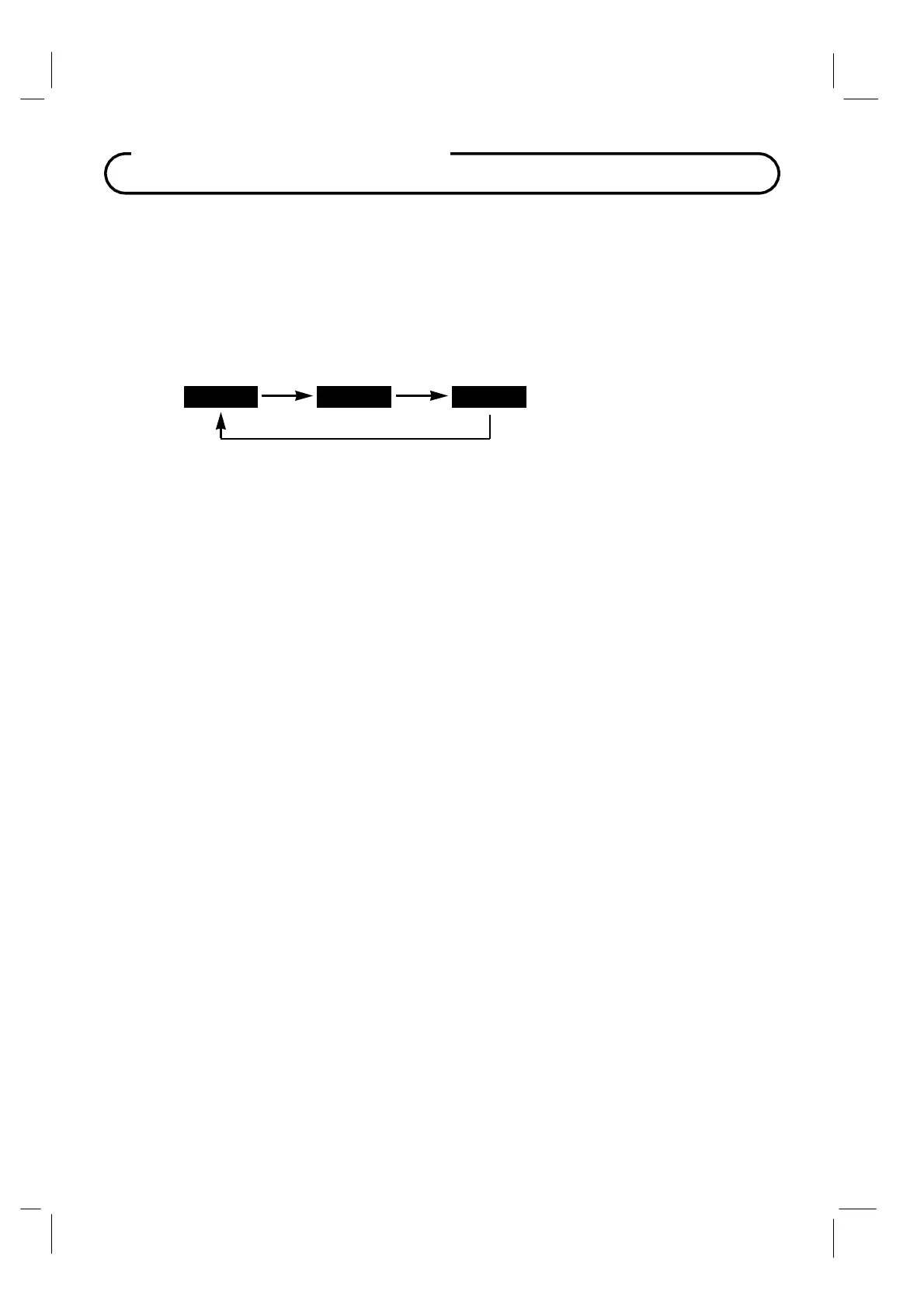
Francais Espanol



 To Next Page