46 Document Number: PD196-103 Rev 1
Features
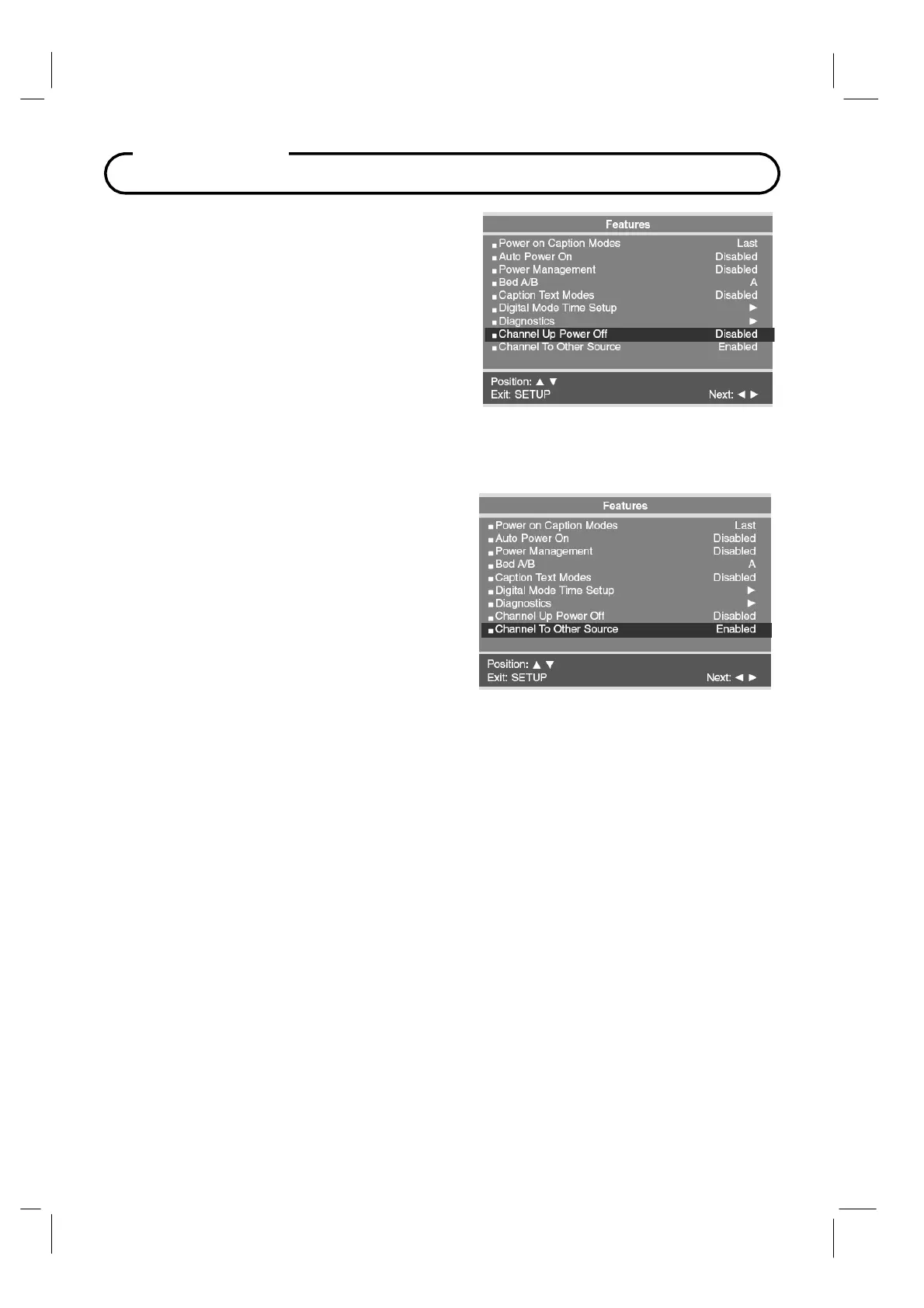
Channel Up Power Of
This feature causes the TV to turn off once it reaches
the highest numbered (last) channel. When the feature
is disabled, the TV will continue on to the lowest
channel and not turn off.
1.
In
Features
menu, press the
CH▲ / CH▼
button to select
Channel Up Power Off.
2.
Press the
VOL◄ / VOL►
button to select
Enabled
or Disabled.
3.
Press the
SETUP
button to return to the
preceding menu.
Channel To Other Source
External signal sources connected to the TV such
as DVD players or Game Boys are shown in the
current channel lineup after the highest channel
and then shown on the TV. Set this feature to
Disabled to require the activation of the external
sources via a key press of the TV’s front “TV/AV”
button.
1.
In
Features
menu, press the
CH▲ / CH▼
button to select Channel To Other Source.
2.
Press the
VOL◄ / VOL►
button to select
Enabled
or Disabled.
3.
Press the
SETUP
button to return to the
preceding menu.



 To Next Page