32 Document Number: PD196-103 Rev 1
Channel Setup
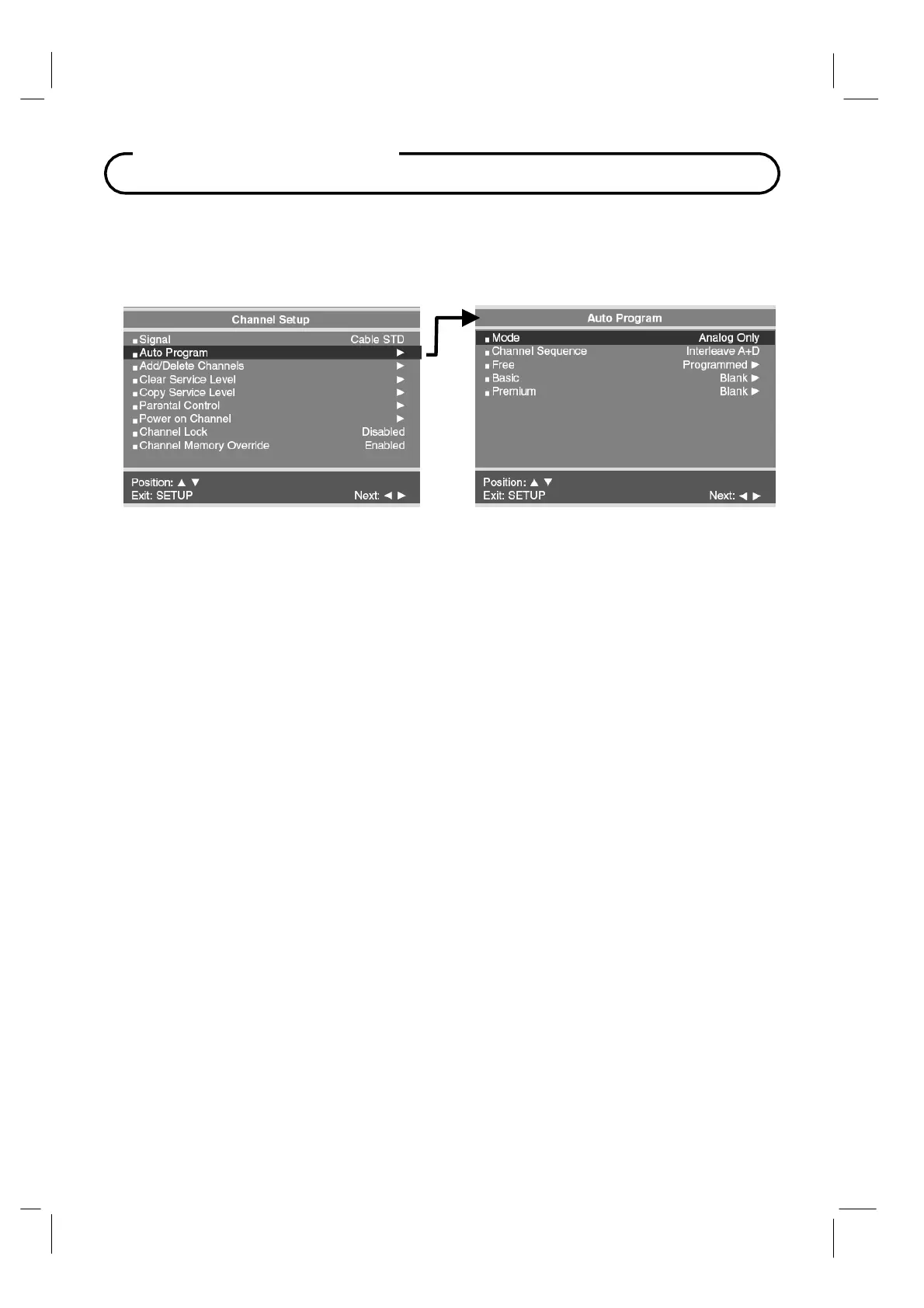
Auto Program
The TV automatically scans each available channel for activity. Channels that display
activity are memorized into the selected Service Level.
1. Press the SETUP button to display the SETUP MODE menu.
2. Press the CH▲ / CH▼
button to select Mode.
3. Press VOL◄ / VOL► to set the scope of channel scanning.
Digital Only: TV searched for digital channels only.
Analog and Digital: TV searches for both analog and digital channels.
4. Press the CH▲ / CH▼
button to select the Channel Sequence menu item.
5.
Press
VOL◄ / VOL►
to set the Channel Sequence in which the channels are displayed after
searching.
Analog Only: Only Analog channels are searched.
Interleave A+D: In the order of channel number regardless of the system.
All A then D: Digital channels are displayed after all analog channels.
6.
Press the
CH▲ / CH▼
button to select the Service Level you wish to program. The menu
displays the current programming status of each level as either Programmed or Blank.
NOTE: A Programmed service level can also be re-programmed if desired.
7.
Press the
VOL►
button
to start auto programming.
8. A confirmation menu will appear before proceeding. Press either the CH▲ to start auto
programming. Press CH▼
button to cancel the operation.
The TV will now search all
available channels. Auto programming may require several minutes to complete.
9. Press the SETUP button to return to normal TV viewing.



 To Next Page