31 Document Number: PD196-103 Rev 1
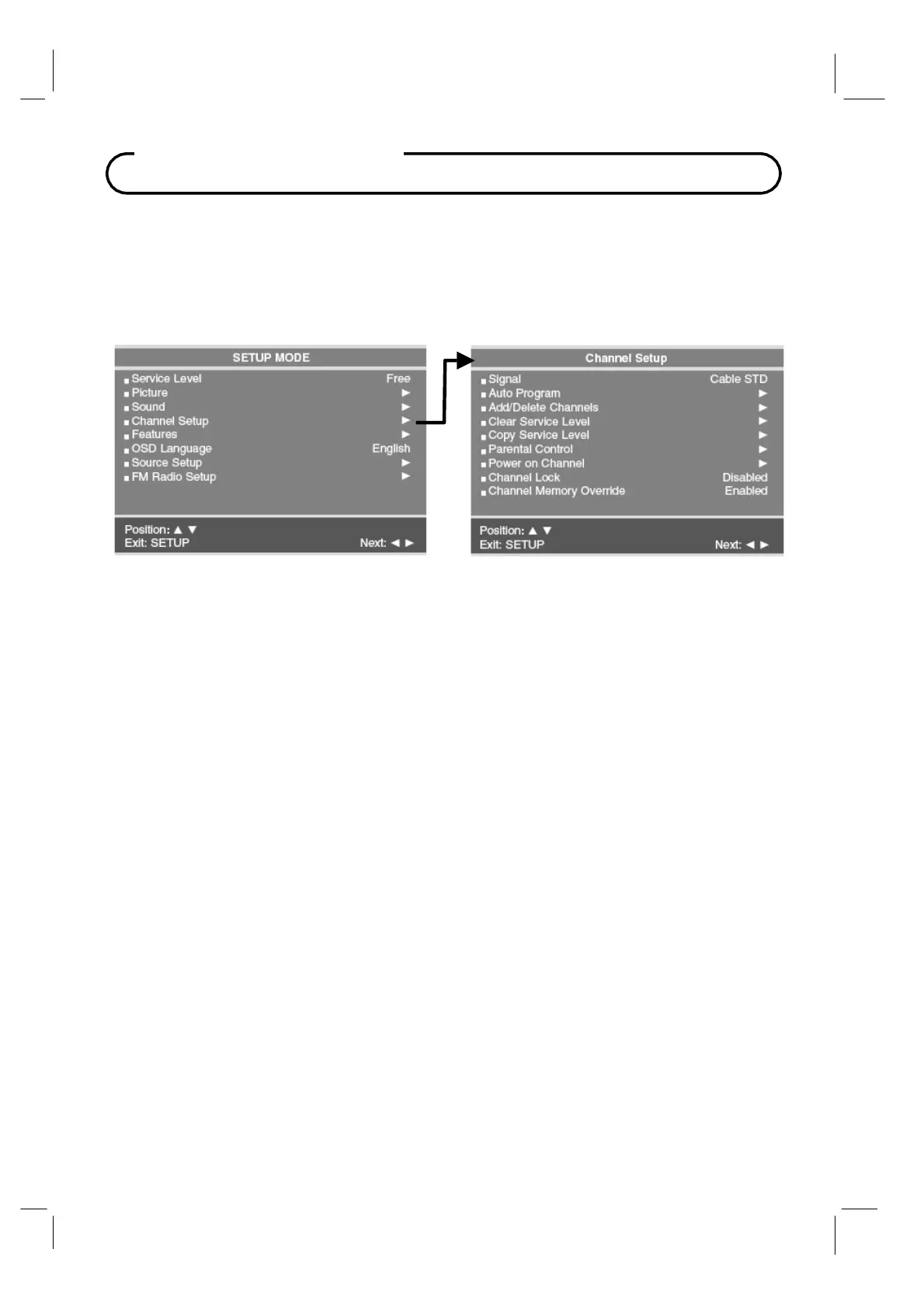
Channel Setup
Channel Setup
The TV offers three different programmable channel banks or Service Levels. A programming
remote control is required to perform all TV setup adjustments including programming
channels. The remote is NOT included with the TV and must be ordered separately – one
remote is capable of programming an entire hospital of televisions. Please order programming
remote control part number PD108-420.
Signal
Four different tuning types are available depending upon the healthcare facilities signal style.
Selection of the correct signal type is required for the TV to recognize all possible channels and
before any channel programming can begin.
1. Press the SETUP button to display the SETUP MODE menu.
2. Press the CH▲ / CH▼
button to select Signal.
3. Press VOL◄ / VOL►
to select Air, Cable STD, Cable IRC or Cable HRC. NOTE: Most
hospitals use the Cable STD signal style.



 To Next Page