29 Document Number: PD196-103 Rev 1
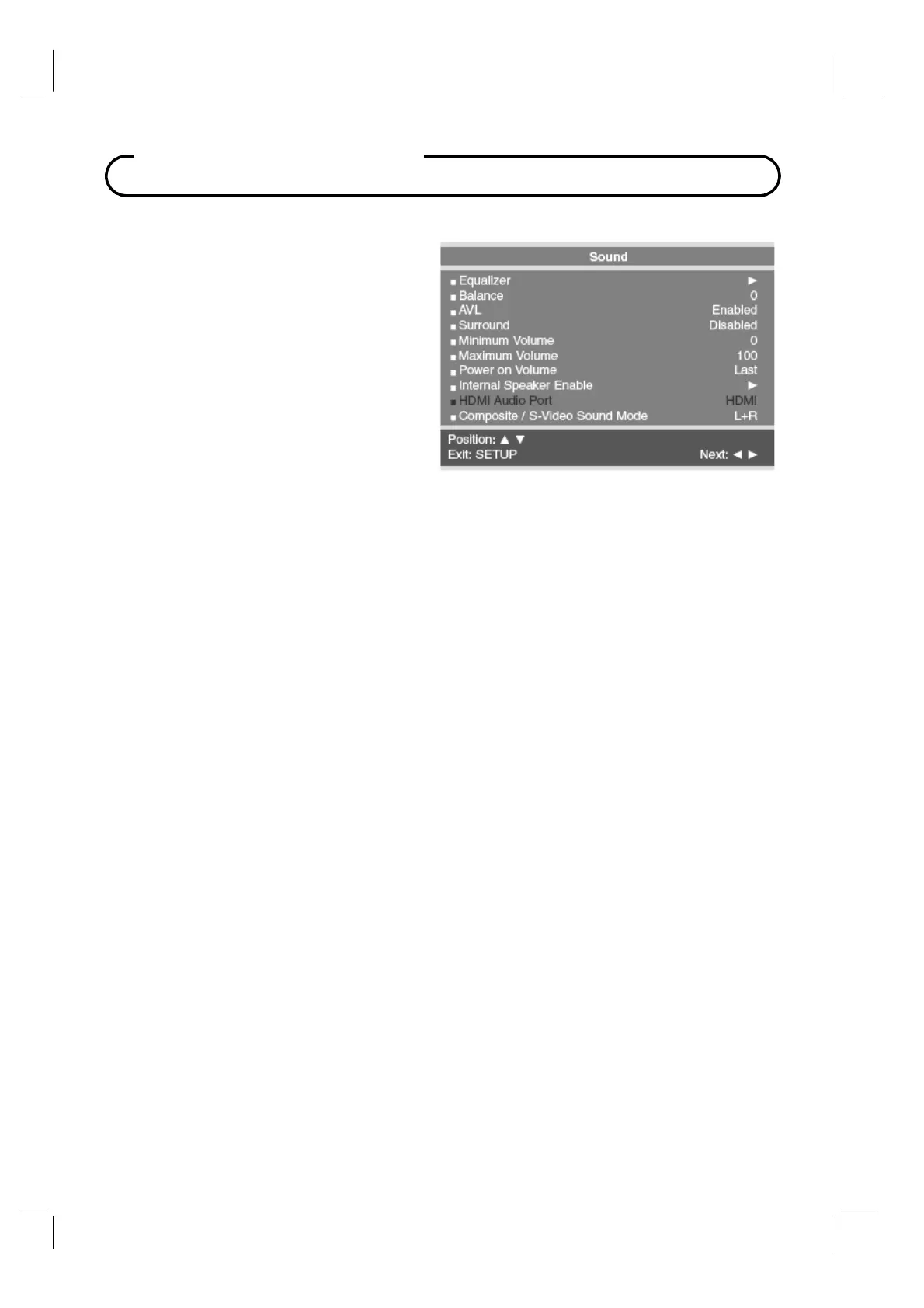
Sound Control
Minimum Volume
Sets the minimum volume level the
TV
can reach. Setting this to any value other
than
0
guarantees that some level of
sound will always be heard when the
TV is
operating.
1.
In
the
Sound
menu, press the
CH▲ /
CH▼
button to select
Minimum
Volume
.
2.
Press the
VOL◄ / VOL►
button to
select your preferred minimum volume
with the
TV turns on.
3.
Press the
SETUP
button to return to
the preceding menu.
Maximum Volume
Sets the maximum volume level the
TV can reach.
This setting is useful for the hard-of-
hearing patient who causes disturbance.
1.
In
Sound
menu, press the
CH▲ / CH▼
button to select
Maximum Volume.
2.
Press the
VOL◄ / VOL►
button to determine your preferred maximum volume allowed.
3.
Press the
SETUP
button to return to the preceding menu.
Power On Volume
Sets the initial volume the
TV starts at upon powering on. Once the
TV is on, the volume can
be set to any allowable level.
1. In
Sound
menu, press the
CH▲ / CH▼
button to select
Power on Volume.
2.
Press the
VOL◄ / VOL►
button to determine your preferred volume when the
TV turns on.
Setting the level to LAST
causes the
TV to remember the last volume level used by the
TV
prior to turning off.
3.
Press the
SETUP
button to return to the preceding menu.



 To Next Page