40 Document Number: PD196-103 Rev 1
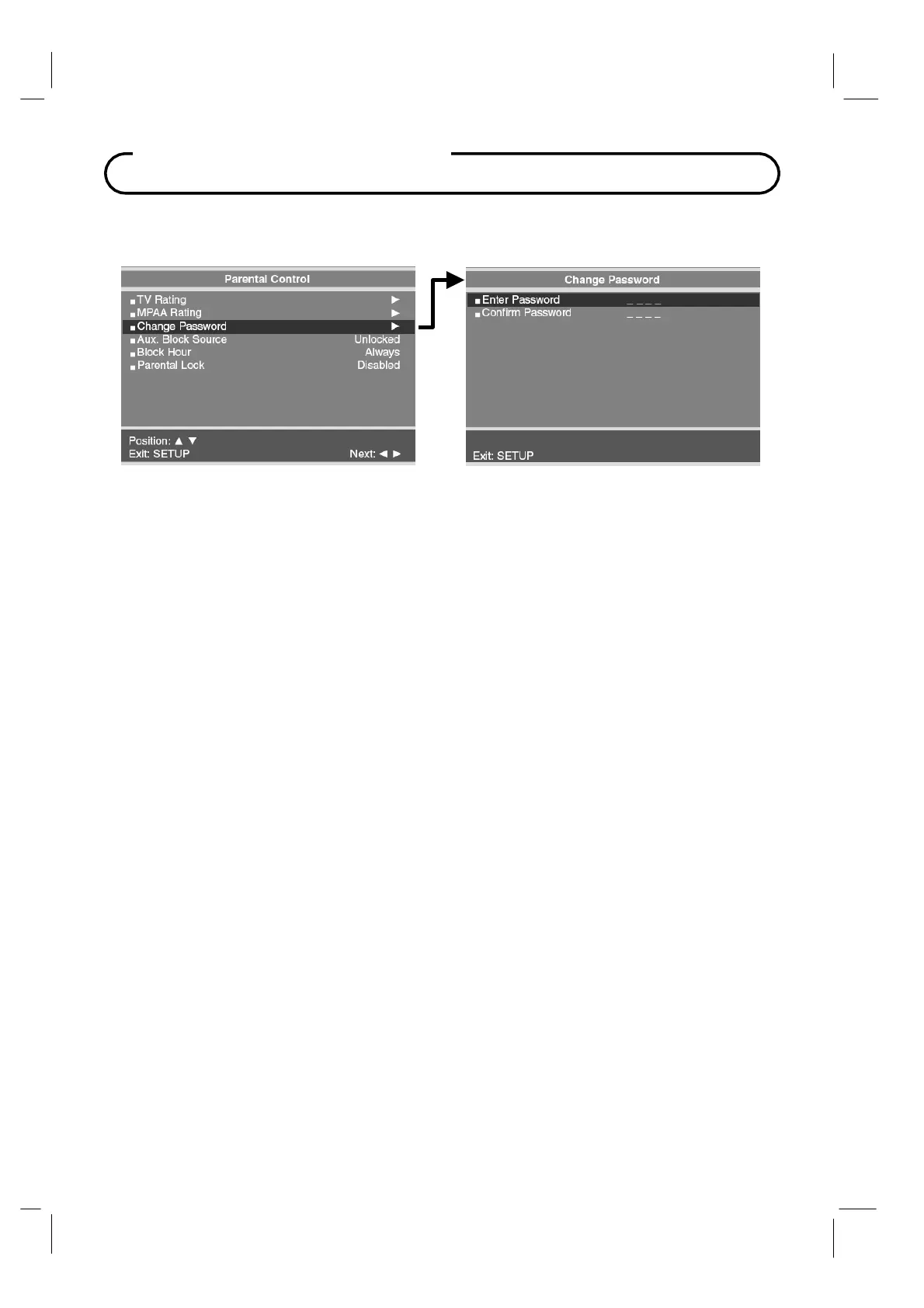
Change Password
The Parental Control access password can be changed using this menu.
1.
From the
Parental Control
menu, press the
CH▲ / CH▼
button to select the
Change
Password. Then press the
VOL◄ / VOL►
button to enter.
2.
Enter a new Password. Confirm the Password a second time by entering the same digits.
3. Press SETUP to return to the previous menu.
Parental Control
Aux. Block Source
In addition to blocking the TV’s programming, the auxiliary sources can be blocked. When the
TV encounters a external signal source that is not appropriate per its settings, a black screen
appears with muted sound.
1. From the Parental Control menu, press the CH▲ / CH▼
button to select AUX. Block
source. Then press the
VOL◄ / VOL►
button to enter.
2.
Press the buttons to change the “Unblocked” or “Blocked” status.
3.
Press the SETUP button to return to the previous menu.
Block Hour
Block Hours sets the amount of time in hours you want Parental Control Active.
Parental Lock
With Parental Lock On, the Parental Function is active. Turn off to disable Parental Control.



 To Next Page