8 Document Number: PD196-103 Rev 1
Supplied Accessories
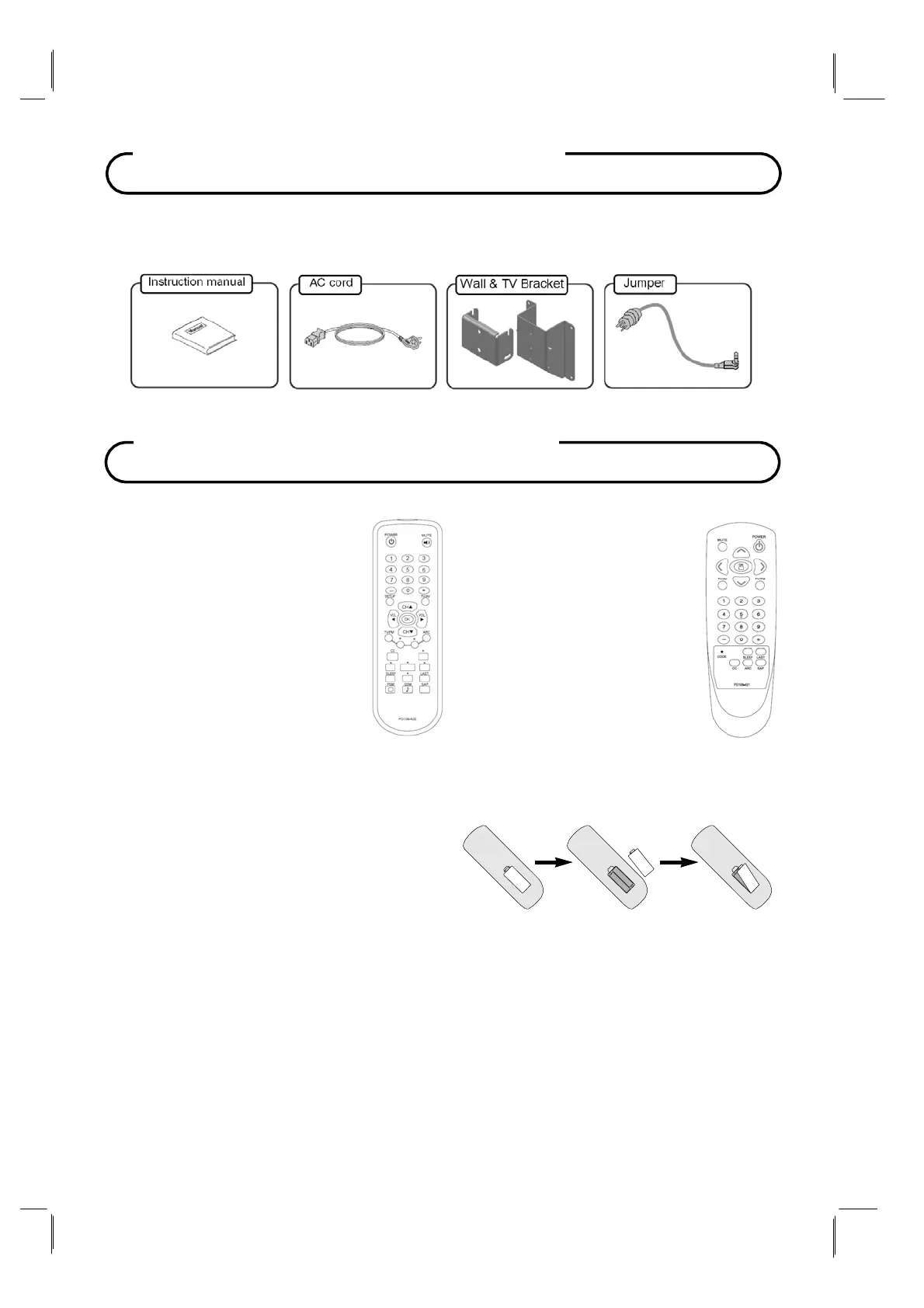
Make sure the following accessories are provided with product.
Battery Installation
Inserting batteries
1.
Remove the battery cover by pulling it
upward in the direction shown by the arrow.
2.
Insert the batteries with correct polarity.
3.
Replace the battery compartment cover.
Install two high-quality 1.5V "AAA" alkaline batteries. Don't mix old batteries with new
batteries.
Remove batteries when you won't use the remote controller for long time. Liquid leakage
from old batteries may cause operation failure.
Notes for using remote controller
Make sure there are no objects between the remote controller and its sensor.
Don't place the remote control near a heater or in damp place. Strong impact to the remote
control may cause operation failure.
Sunlight or other bright light may disturb the signal from the remote control. In this case,
darken the room or move the
TV.
Optional Accessories
Programming Remote
PD108-420
A programming remote control
is required to perform all TV
setup adjustments including
programming channels. The
remote is NOT included with the
TV and must be ordered
separately – one remote is
capable of programming an
entire hospital of televisions.
Please order programming
remote control part number
PD108-420.
PD108-420
Patient Remote
PD108-421
In addition to pillow speake
control of the TV, a patient
remote control is also
available. The remote
offers independent Bed A
or Bed B selectable codes
and independent control of
a single television in a two
television room. Please
order patient remote control
part number PD108-421.
PD108-421



 To Next Page