37 Document Number: PD196-103 Rev 1
Channel Setup
Parental Control
A
parental control feature is available to restrict and block undesirable programs from appearing
on the
TV.
This feature is of particular importance for televisions installed in pediatric wards.
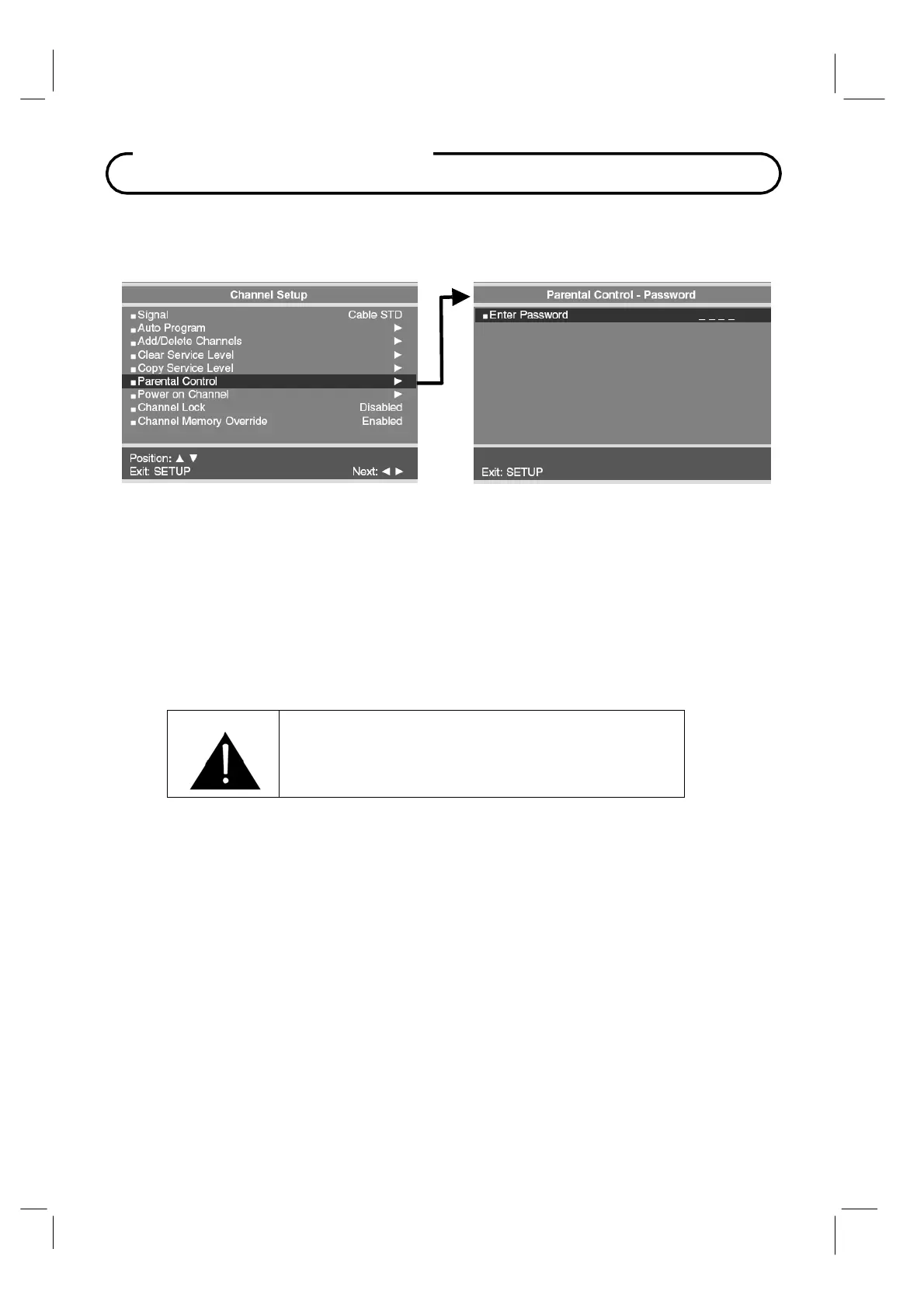
If the Parental Lock is Disabled in Parental Control menu, an Enter Password screen will appear.
The default setting is Disabled.
1. In
Channel Setup
menu, press the
CH▲ / CH▼
buttons to select
Parental Control
menu.
2.
Using an IR remote control, enter the four digit password.
An "
X
" will be echoed as each
number is entered.
The default input password for a new
TV set is "
0000
".
If the wrong
password is entered, return to
the
Channel Setup
menu and try again.
3.
You may exit at any time by pressing the
SETUP
button to return to the preceding menu.
IMPORTANT: If the password is forgotten, it can
be reset to “0000” by pressing the front panel “CC”
button and the programmer remote “Setup” button
simultaneously and holding both for 5 seconds.



 To Next Page