34 Document Number: PD196-103 Rev 1
Channel Setup
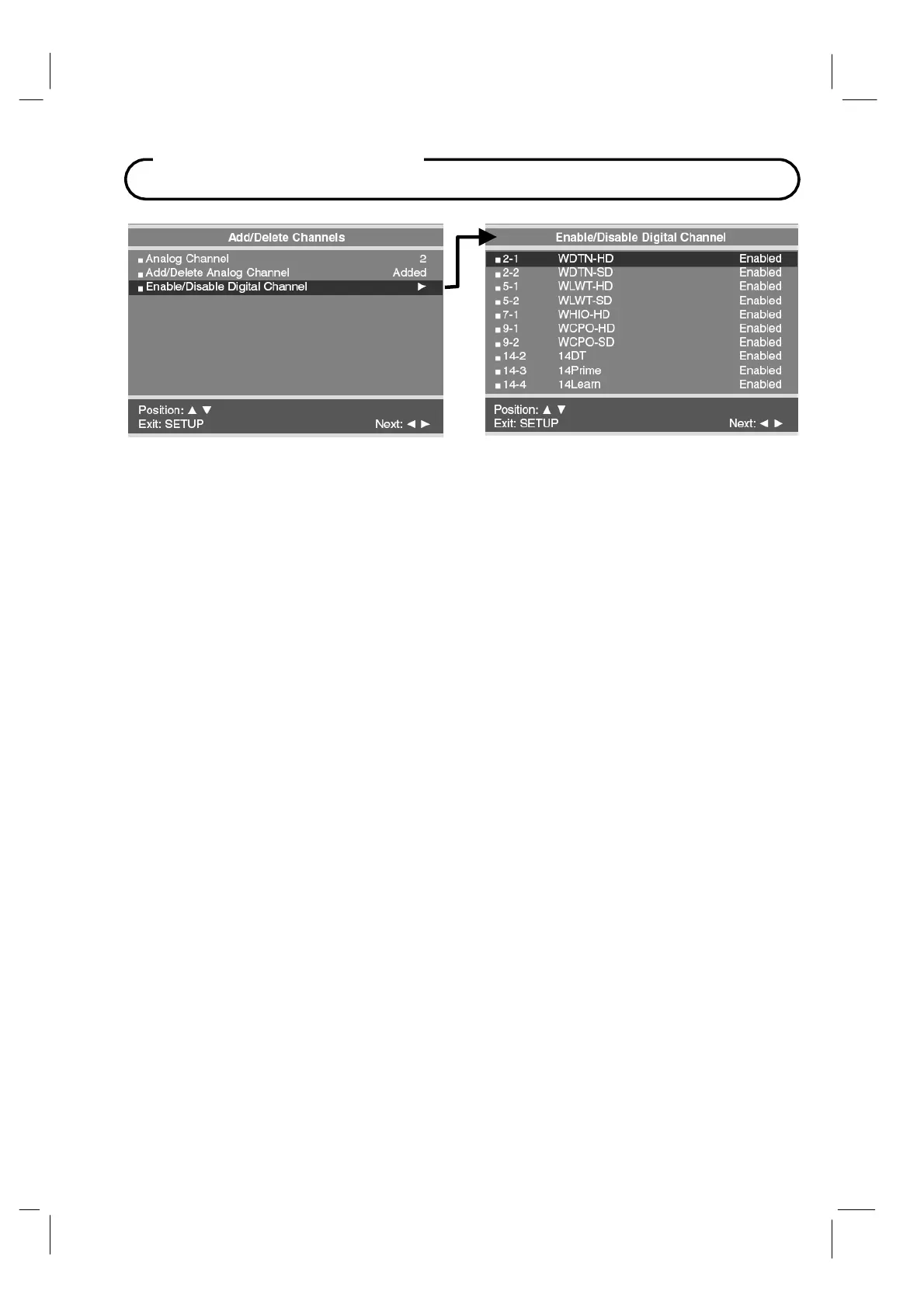
The Add/Delete Channels menu provides access to both Analog and Digital Channels.
6. Press VOL◄ / VOL► button to select the Analog Channel number. Then press the CH▲
/ CH▼ buttons to select Add/Delete Analog Channel. Use the VOL◄ / VOL► button to
select Added or Deleted.
7. Press CH▲ / CH▼ buttons to select Enabled/Disabled Digital Channels menu. Then
press the VOL◄ / VOL► button to enter. A status listing of the current memorized
channels is shown.
8. Select the channel to be changed using the CH▲ / CH▼ buttons. Use the VOL◄ / VOL►
button to change the status to Enabled or Disabled.
9. Press the SETUP button to return to the preceding menu.



 To Next Page