4.2 StartandInitializePLIN-ViewPro
1. From the Windows Start menu, select PLIN-View Pro.
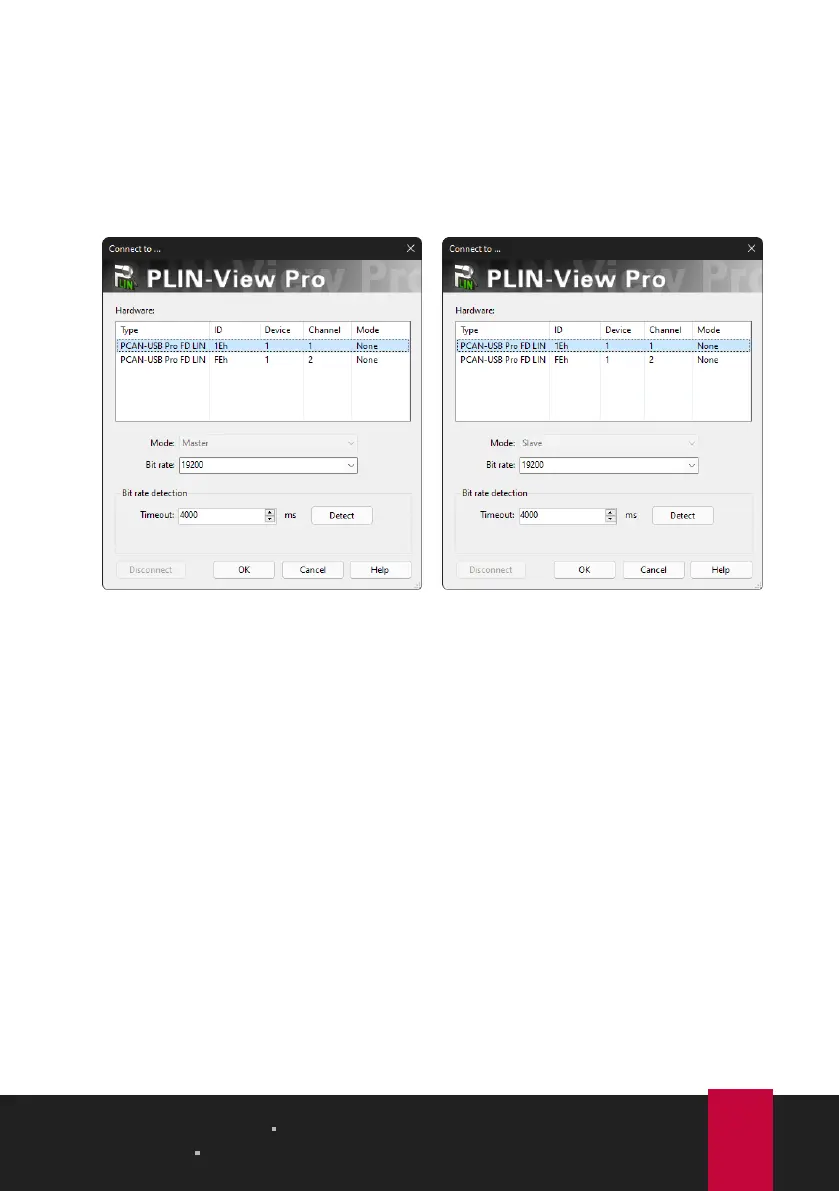
The main window and the Connect to ... dialog box for selecting the
LINhardware appear. The parameters for the LIN interface are set in the dialog
window.
Selection of the hardware as master. Selection of the hardware as slave.
2. If there are several LIN interfaces, select the desired interface. If there are
several channels, select the desired channel from the list.
3. Determine the operation Mode to be used for the LIN connection.
4 LIN Monitor PLIN-View Pro PLIN-USB
User Manual 2.1.0 © 2023 PEAK-System Technik GmbH
13



 To Next Page