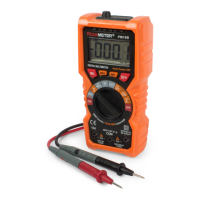
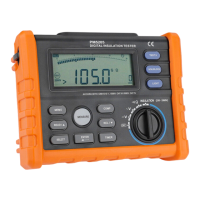
Buttons
Automatic Power Off
The Meter have automatic power off function(Sleep mode)to conserve battery power .if there is no function change or
button press for 10 minutes. The Meter comes out of Sleep mode when a key is pressed or when the rotary switched is
changed.
To disable the Sleep mode, hold down SELECT button while turning the Meter on. Sleep mode is always disabled in the
insulation test mode, or if the auto power off feature has been disabled by pressing SELECT button when the Meter is
turned on.
Hold Funcion
Press Hold button to freeze the displayed value. Press again to release the display.
Relative Measurement
Show the difference between actual value and the relative base.
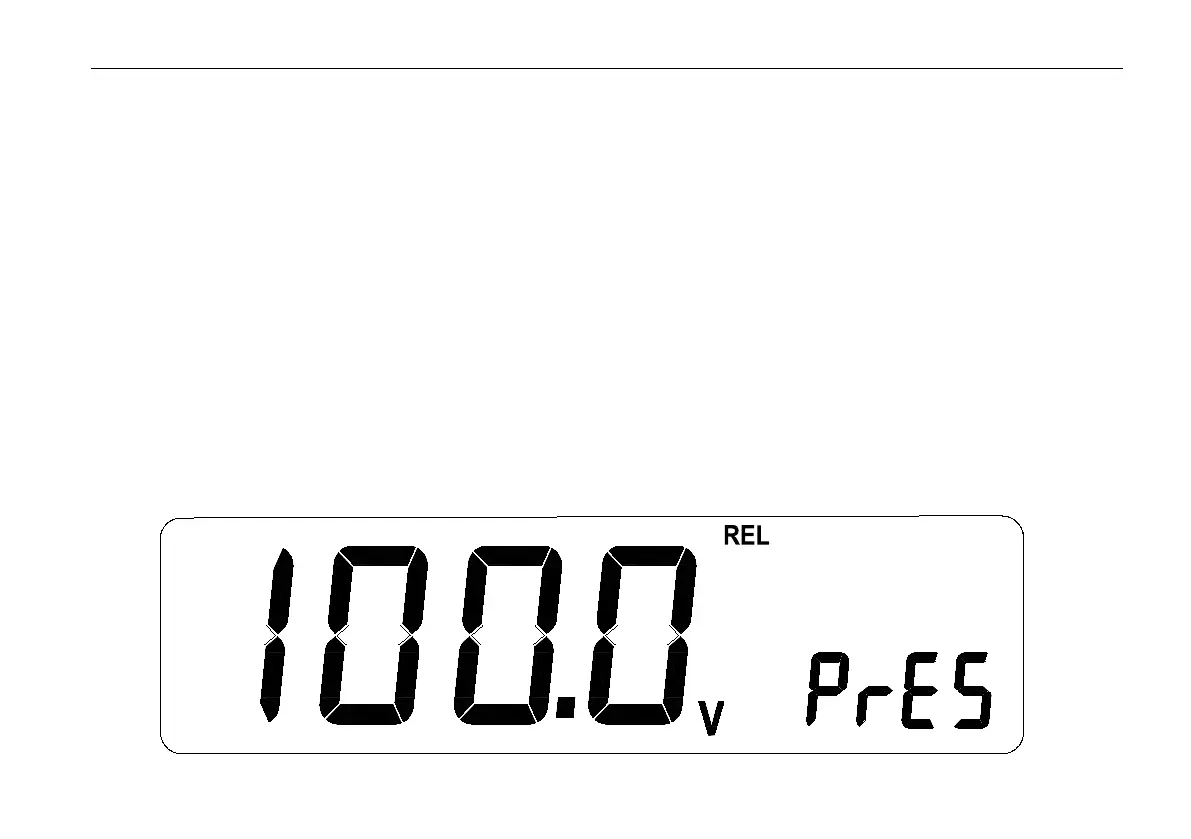
Press REL Button to enter relative measurement and the meter will record the initial value when pressing the key.
Displayed value = Actual value -Initial value
Press REL Button again to exit relative measurement.
Press SELECT button to view Initial value,when the Initial value is invalid,display ----.


 To Next Page