Insulation Tester
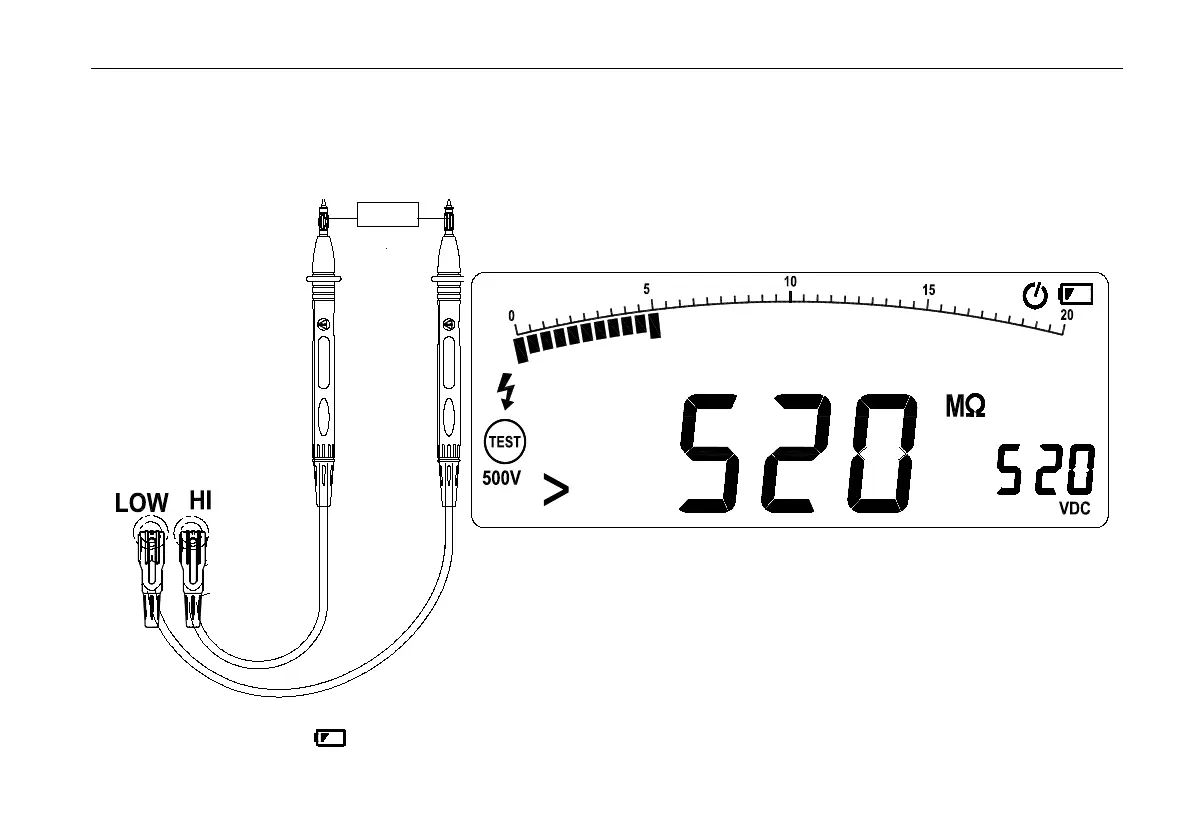
the secondary screen display the Output voltage. Release the test button then discharges through the Meter,the meter
display DISC.
The secondary Display 0 VDC indicator when the voltage discharge finished.
Disconnect the test leads from circuit.
Replacing battery
To avoid false readings, which could lead to possible electric shock or personal injury, replace the batteries as soon as
the battery indicator appears.


 To Next Page