Insulation Tester
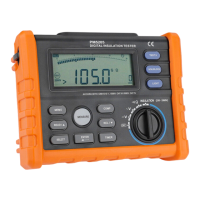
Rotary switch
Ohm and continuity :0.01Ω~200.0Ω
Insulation Test 0.01MΩ~100.0GΩ,Test output Voltage 250V(default)、500V、1000V、2500V,
the test output volatage have selected will be saved .
Input Terminal
Input /output positive terminal
Common terminal except Inuslation measure
Common terminal in Inuslation measure
Function Description
Power-Up Options
Holding a button down while turning the Meter on activates a power-up option. Power-up options allow you to use
additional features and functions of the Meter. To select a power-up option, hold down the appropriate button indicated
while turning the Meter from OFF to any switch position. Power-up options are cancelled when the Meter is turned Off
Disables automatic power-off function Display shows PoFF until the button is released


 To Next Page