Insulation Tester
Insulation Test Lock
In insulation test mode, press Test button to perform insulation test until the button is released.when the button is
released,the screen display hold sign.
Press Lock Button ,then the screen display Lock sign,press Test Button ,the meter will perform insulation test unitl you
press Test button again;The test lock will unlocked while to cancel insulation test.
Lock function is invalid when timer function is selected.
Storing Test Data
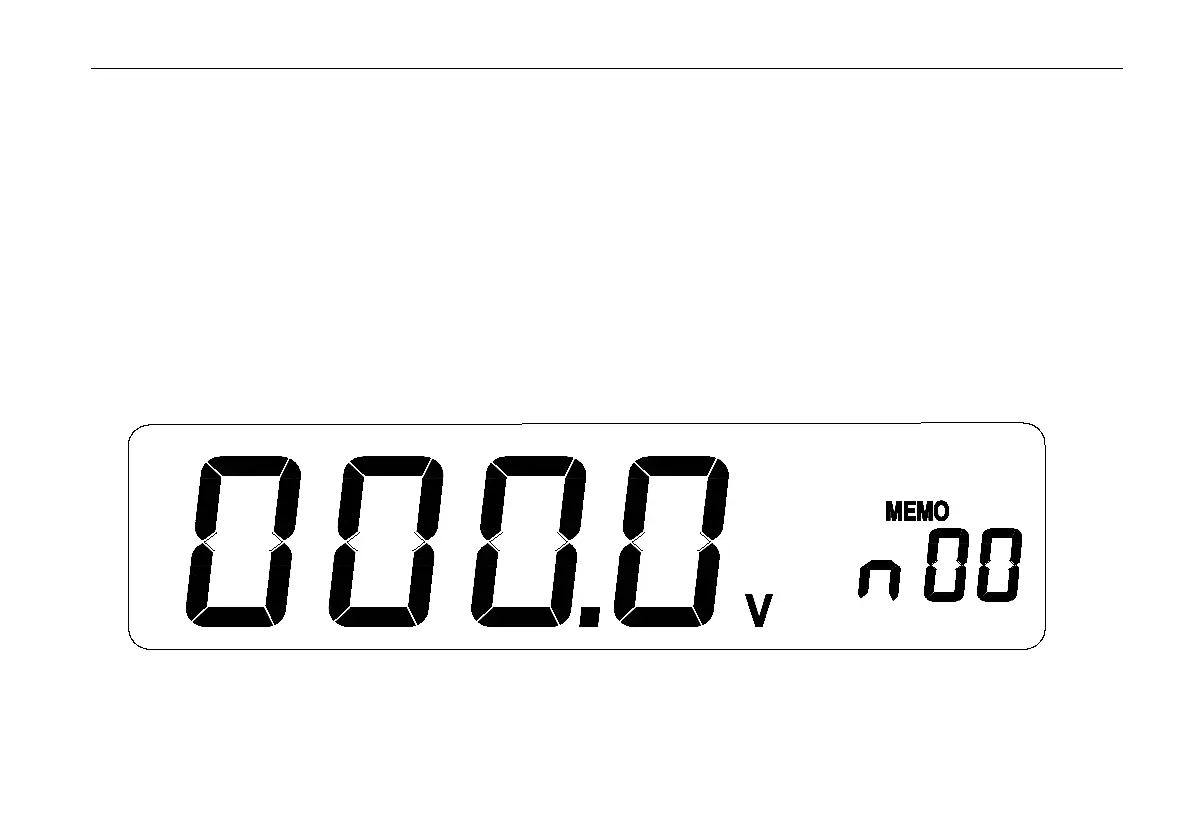
Press MEMO button, the meter enter Hold status automatically. LCD screen display ‘MEMO’ and the memory code
on secondary display (see below). Press △/▽ button to change the code, press enter to save the data in the preferred
memory code and the screen display ‘SAVE’.The data is stroed successfully when the buzz beeps.The meter can save 20
datas and memory code from 00 to 19.


 To Next Page