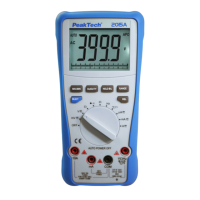
3.2. Autoranging / manual range selection
When the meter is first turned on, it automatically goes into Auto-
Ranging. This automatically selects the best range for the
measurements being made and is generally the best mode for most
measurements. For measurement situations requiring that the range
be manually held, perform the following:
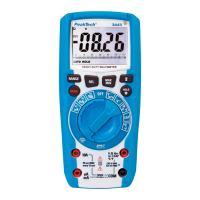
1. Press the "RANGE" button. The "AUTO" indicator will extinguish
and the currently selected range will be held.
2. Press the "RANGE" button to step through the available ranges
until you select the range you want.
3. Press and hold the "RANGE" button for 2 seconds to exit the
manual ranging mode and return to "AUTO" mode.
-69-


 To Next Page