4. Feature
4.1. Understanding the Push Buttons
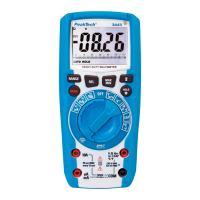
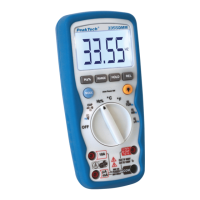
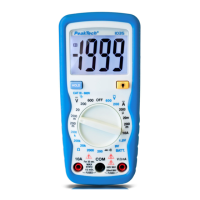
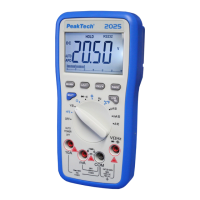
The 6 push buttons on the front of the Meter activate features that
augment the function selected using the rotary switch, navigate
menus or control power to Meter circuits.
F1: Software key. Default switch to Graph measure.
F2: Software key. Default modes related to the
rotary switch function
F3: Software key. Default into save mode default
Display. And wake up for APO.
F4: Software key. Default modes MINMAX starts
and stops MINMAX recording.
RANGE: Into manual range and select range of the
measure. If Pressing the Range button for
greater that 1 second will return Auto Range.
HOLD/REL: Freezes the present reading in the display and
allows the display to be saved. If Pressing the
HOLD/REL button for greater that 1 second will
switch relative mode.
-70-


 To Next Page