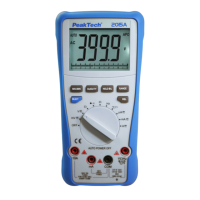
4.2. Understanding the Display
1. Soft key labels Indicates the function of the button just below the
displayed label.
2. Bar graph Analog display of the input signal.
3. Minus sign indicates a negative reading.
4. Displays measurement information about the input signal.
5. Indicates the range the Meter is in and the ranging mode (auto
or manual)
6. Time indicates the time set in the internal clock.
7. Battery level Indicates the charge level batteries.
8. Beeper Indicates the Meter’s beeper is enabled (not associated
with the continuity beeper).
9. Units Indicates the units of measure.
-71-


 To Next Page