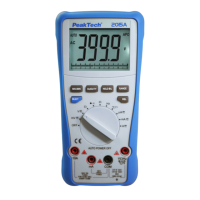
5.9. Temperature measurements
Warning:
To avoid electric shock, disconnect both test probes from any source
of voltage before making a temperature measurement.
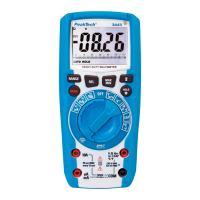
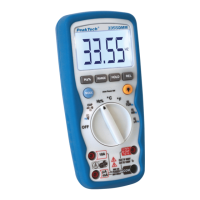
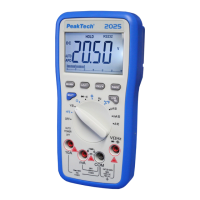
1. Set the function switch to “TEMP °C/°F” position.
2. Pres the push button “F2” to select °C or °F.
3. Insert the multi-function adaptor in the input socket for
V//CAP/Hz%/Temp (+) and COM (-) for temperature
measurements.
4. Insert the K-type thermocouple into the multi-function adaptor,
making sure to observe the correct polarity.
5. Touch the temperature probe head to the part whose
temperature you wish to measure. Keeps the probe touching the
part under test until the reading stabilizes (about 30 seconds).
6. Read the temperature in the display. The digital reading will
indicate the proper decimal point and value.
Warning:
To avoid electric shock, be sure the thermocouple has been
removed before changing to any other measurement function.
-90-


 To Next Page