6.2 Save Function
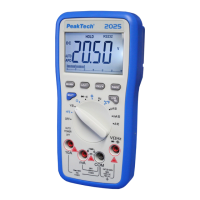
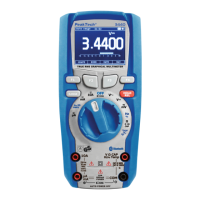
In all measurement function, it is possible by pressing "F3" (SAVE)
to enter the system menu.
6.3. Storing Individual Measurement Data
Follow the described procedure for storing a current measured
value:
Press the "F3" push button (SAVE) to enter the system menu
Select the menu item SAVE by pressing the push button "F3"
(DOWN)
Press the push button "F1" (ENTER) to save the measured
value
-98-


 To Next Page