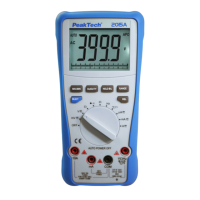
6.4. Viewing Memory Data
To view data that was stored into memory of the meter, proceed as
described:
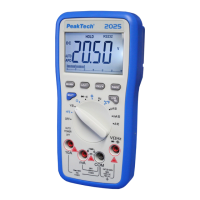
Press the "F3" key (SAVE) button to enter the system menu
Select the menu item VIEWM With the key "F3" (DOWN)
Press the "F1" (ENTER) to view the stored measurement values.
Press push button “F2” (PREV) or “F3” (NEXT) to scroll through
the stored data
-99-


 To Next Page