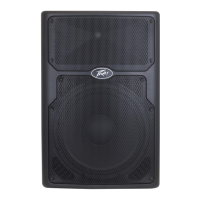
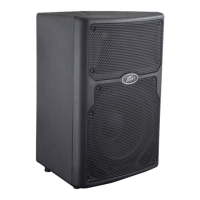
Loudspeaker System Specifications
31
Fig. 43 Fig. 44
To stop the Auto Link feature, simply turn it back to "Off" on each speaker.
Bluetooth Connection Instructions:
Streaming Audio
On the PVX™p speaker, navigate to the Bluetooth® screen (BT
header and subsequent menu, Fig. 33, 34)
Set Streaming to "On"
The PVX™p speaker's Bluetooth® LED (8) will start blinking
On your Bluetooth® device, navigate to Bluetooth® settings
Select PVXp speaker
The Bluetooth® device should change from "Not Connected" to
"Connected"
Once connected, the PVX™p speaker Bluetooth LED (8) will light
solid.
App Control
In the Bluetooth® App Control menu, change the PVX™p speaker's
"App Control" from "Off" to "On".
Open the App on your Bluetooth® device. The speaker should
connect automatically.
The PVX™p speaker Bluetooth® LED (8) will light solid.
The connected speaker will be listed at the top of the App in the
Device list.
Bluetooth® Range Information
This is a Class 2 Bluetooth® device, and as such is designed to have a typical
maximum range of approximately 10m (33 feet).
However, any intervening materials, such as walls, shelves, screens, people, or
most anything made of a substantial amount of metal, can reduce and affect that
range.
CONFIG MENU
From Fig. 1 the Main Start Screen, if you turn the "Push for DSP" knob (9) CW
two notches , then the Config menu header will become highlighted, see Fig. 45


 To Next Page
 Loading...