TM
pebblebee.com
10
iOS USER MANUAL – AUGUST 2019
Finder
®
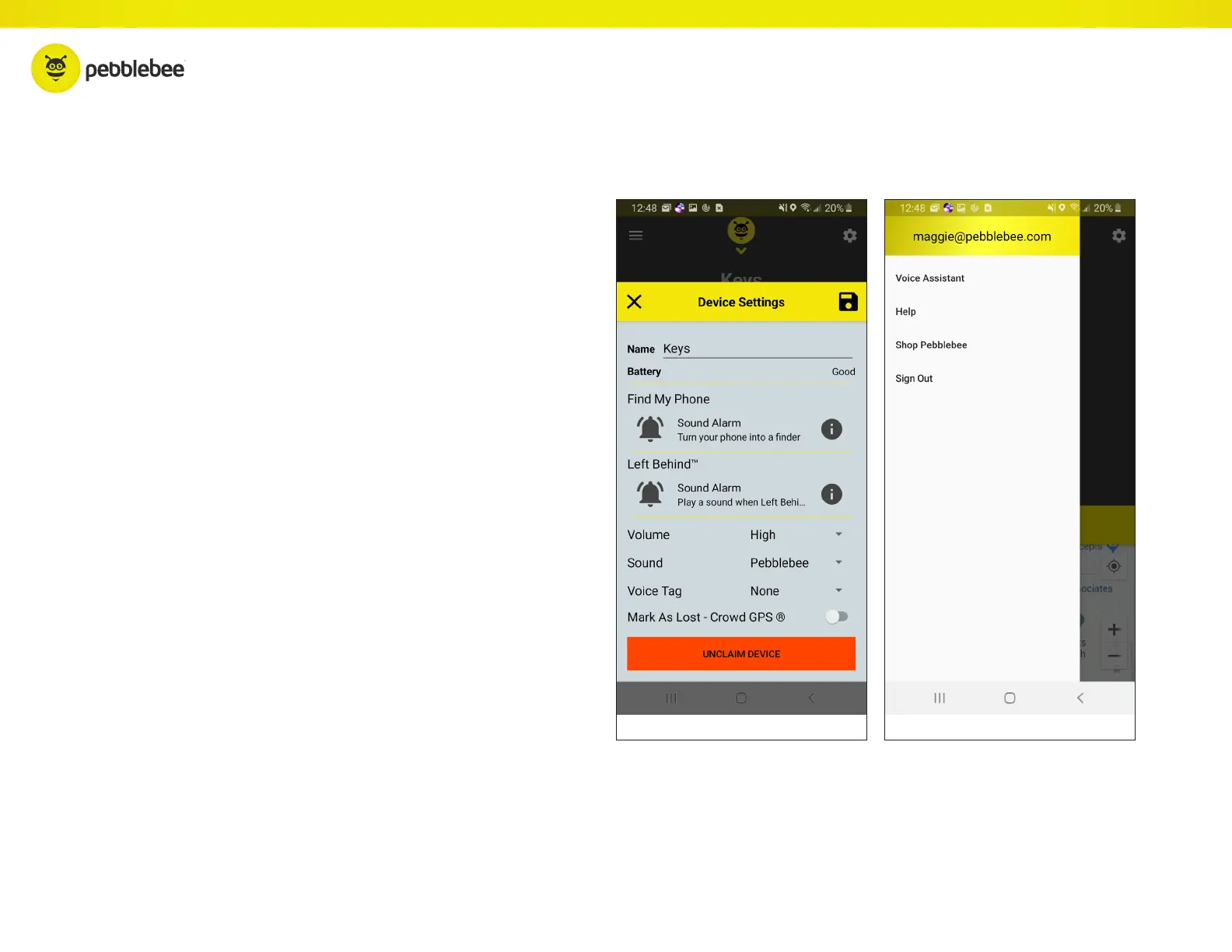
Settings
Finder
®
Details:
Profile:
• Change the name of your Finder
®
• Check the battery status of the Finder
®
• Change the tone that’s used for the Find Phone fea-
ture or turn it off entirely
• Change the volume and tone of the Finder
• Enable the Left Behind Alert
• Set the keyword used to find the device with voice
assistants (Google Assistant or Amazon Alexa)
• Mark device as Lost
• Delete your Finder
®
from the account. Deleting
it removes all settings.
• See a list of previous notifications
• Access the website for device Help



 To Next Page