TM
pebblebee.com
13
iOS USER MANUAL – AUGUST 2019
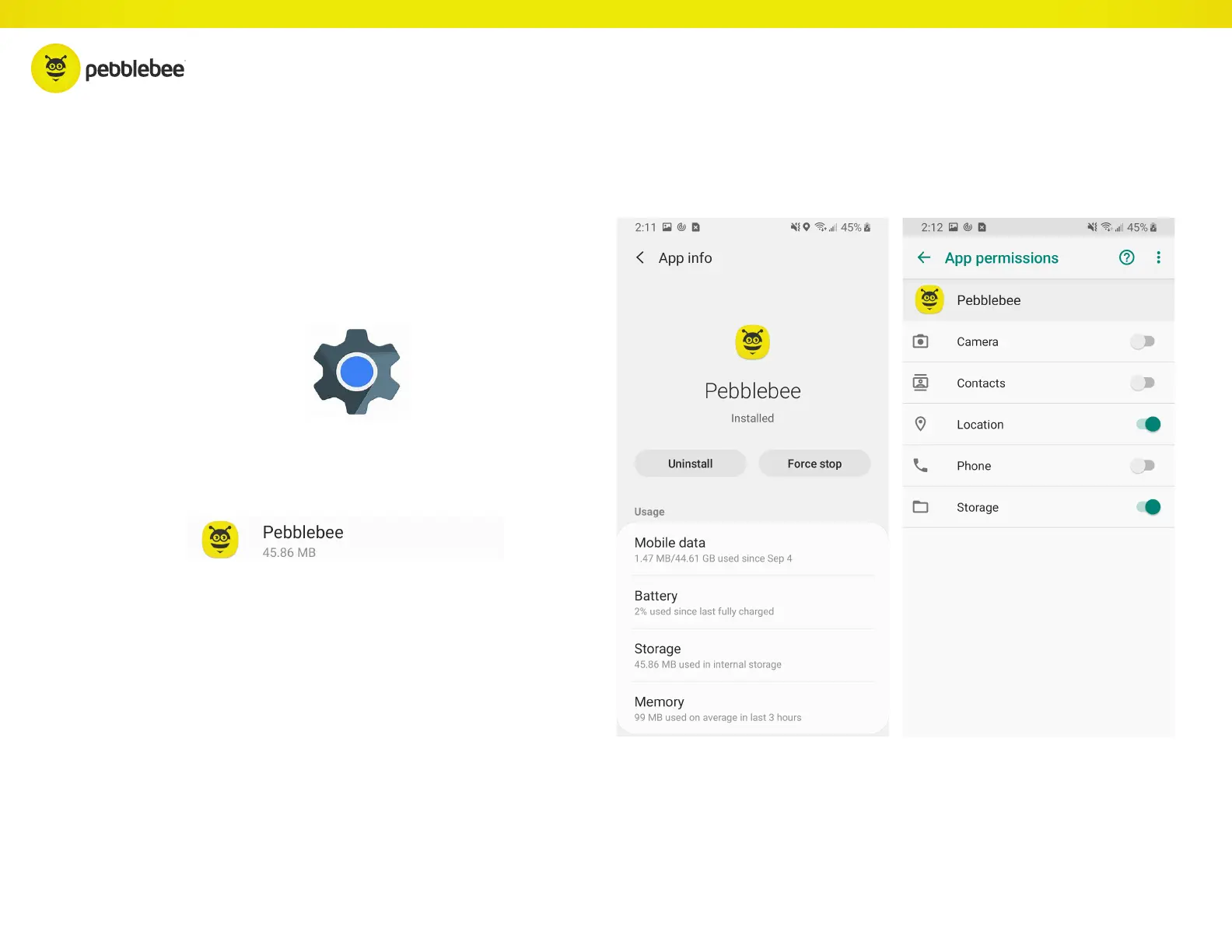
Re-Enabling Permissions
If you’ve disabled some permissions, here’s
how you can re-enable them:
Go to your phone’s Settings.
Scroll down the list and tap on Pebblebee.
Make sure that you have enabled all
settings as following screens.



 To Next Page