TM
pebblebee.com
12
iOS USER MANUAL – AUGUST 2019
CrowdGPS
®
& Left Behind Features
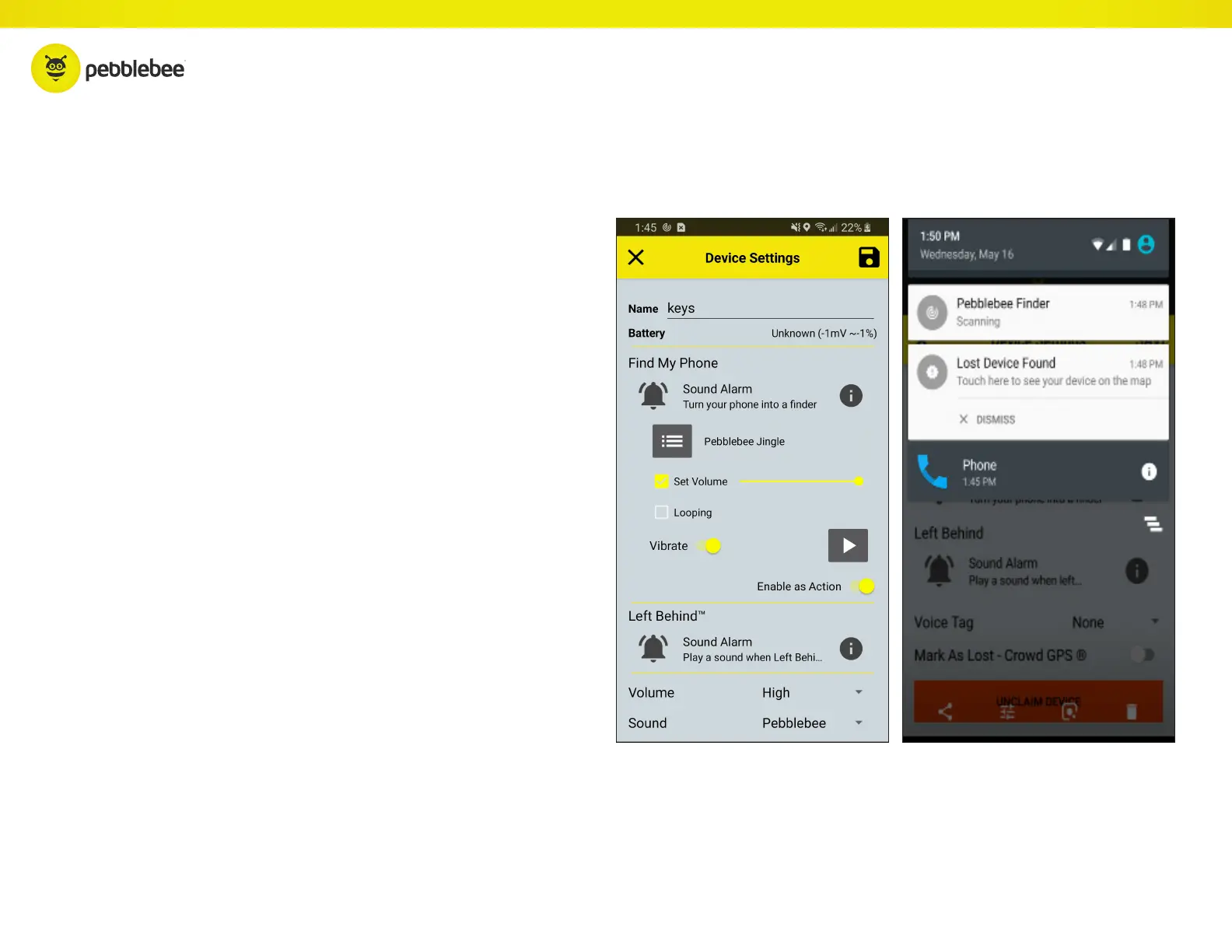
If your device is out of range and can’t be found, mark it as Lost.
When it comes within range of any Pebblebee app user, you’ll
get a notification alerting you to its new location.
Once found, be sure to turn off the Lost button, or you’ll
continue to get “Found” notifications for updated locations.
When the Left Behind alert is enabled, you’ll receive an alert
when the phone notices that your Finder has been out of range
for too long (~10 minutes).
CrowdGPS
®
LEFT BEHIND



 To Next Page