TM
pebblebee.com
4
iOS USER MANUAL – AUGUST 2019
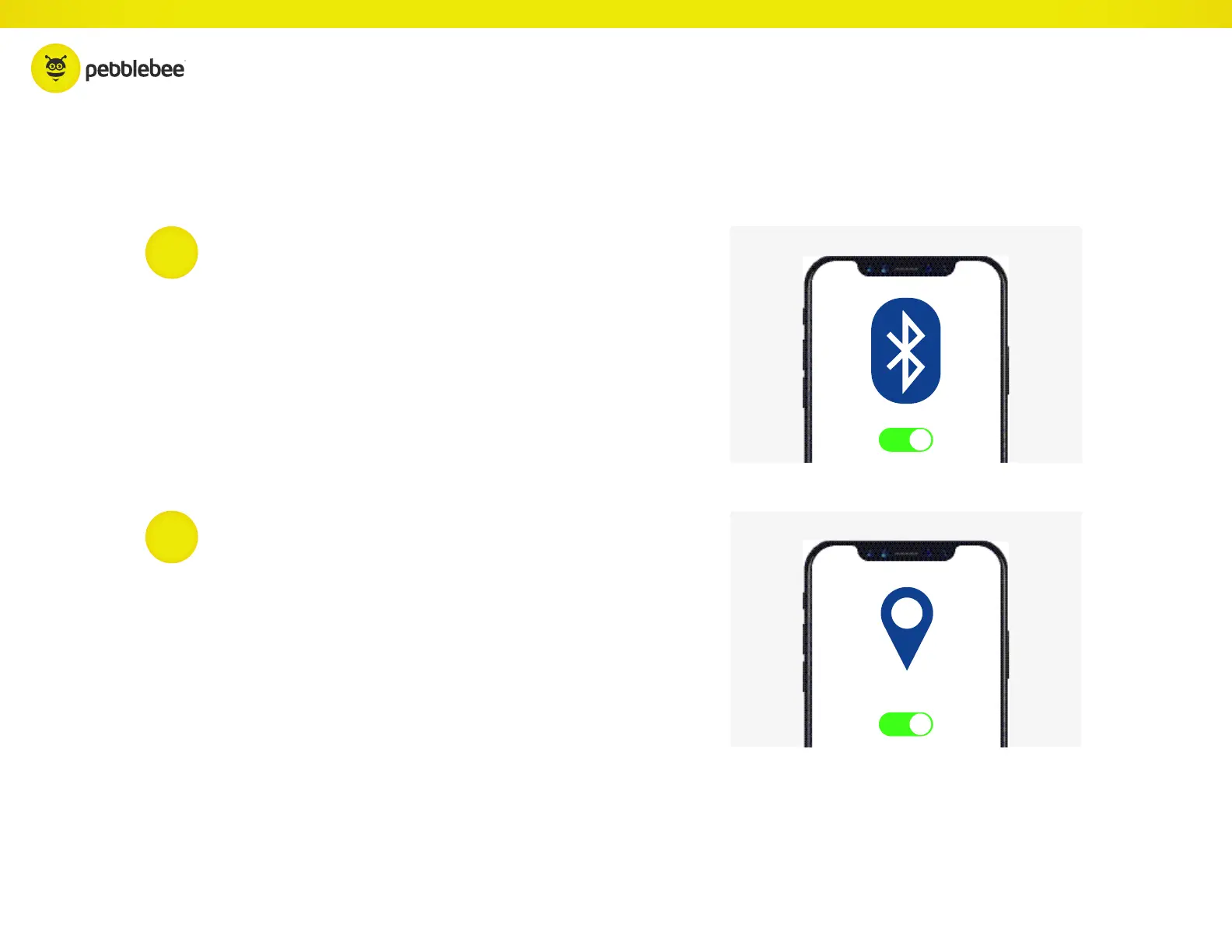
The Finder communicates with your phone via your
Bluetooth
®
connection. Keep Bluetooth
®
ON so that
your Pebblebee and phone are always connected.
Always keep track of your devices by enabling and keeping
Location Services ON. Make sure to ‘Always Allow’, this will allow
you to locate and see the device’s last known location on a map.
1
2
KEEP BLUETOOTH
®
ON
LOCATION SERVICES ON
Quick Tips



 To Next Page