3
Table of Contents
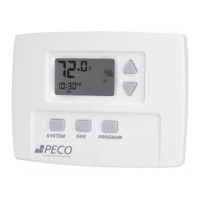
T8000 Thermostat
The PECO Performance PRO T8000 Series .......................................................................................2
Quick reference: Default Display mode ...............................................................................................5
Quick reference: Home Display mode & navigation ............................................................................ 6
Quick reference: T8000 Home Display screen ...................................................................................7
Key operation .......................................................................................................................................8
Set the clock, month, and day ........................................................................................................... 11
Select Fahrenheit or Celsius temperature .........................................................................................12
Select the fan mode ...........................................................................................................................13
Select system mode ..........................................................................................................................14
Reset lter timer .................................................................................................................................15
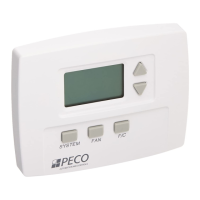
T8500 Thermostat
Program the thermostat (T8500 models only) ................................................................................... 16
Program scheduled events ................................................................................................................17
Program override ...............................................................................................................................19
Select humidity setpoints ..................................................................................................................20
Program a holiday .............................................................................................................................21
Load SD Card settings .......................................................................................................................23
T8000 Series Product Specifications ......................................................................................24


 To Next Page