5
QUICK REFERENCE: DEFAULT DISPLAY MODEQUICK REFERENCE: DEFAULT DISPLAY MODEQUICK REFERENCE: DEFAULT DISPLAY MODE
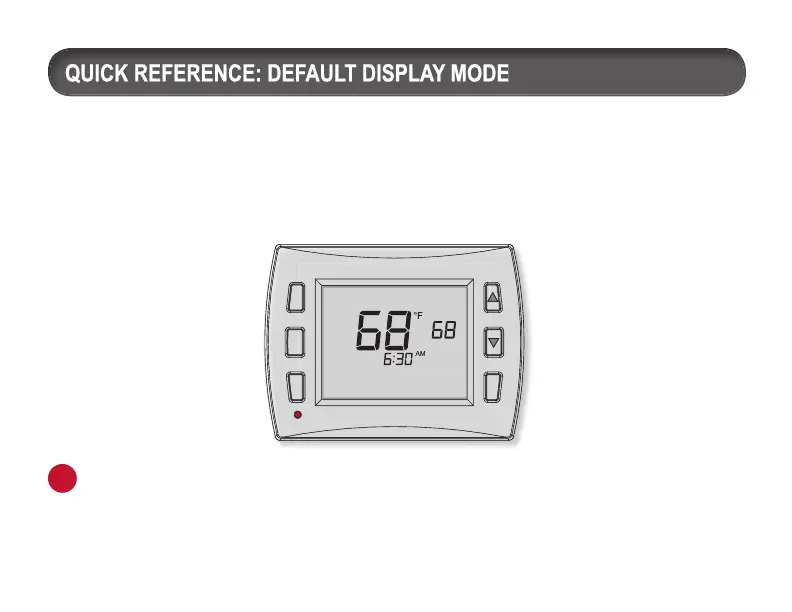
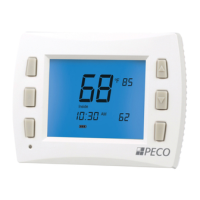
Default Display
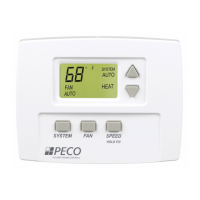
The factory programmed settings show the time, temperature, and setpoint. This is called
the Default Display. The Default Display appears after a short period of inactivity. The Default
Display can be custom configured to show user-selected items only (see Service Menu 520 in
“Performance PRO T8000 Series Installation Guide”).
Note: The Battery Indicator, Service Indicator, Filter Indicator, and Secure Digital (SD)
icons appear at bottom of digital display if user action is required.
i


 To Next Page