6
QUICK REFERENCE: HOME DISPLAY MODE & NAVIGATIONQUICK REFERENCE: HOME DISPLAY MODE & NAVIGATIONQUICK REFERENCE: HOME DISPLAY MODE & NAVIGATION
Navigate submenu options to customize thermostat settings. Available options are:
Next - Advances to the next menu item in sequence; current selections are held in
temporary memory until user completes the menu sequence by pressing “Done.”
Go Back - Returns back one step in menu sequence or reverts to Home Display.
Changes are not saved if user selects “Go Back” from the first option in sequence.
Done - Saves settings and reverts to the Home Display.
Cancel - Discards changes and reverts to the Home Display.
Home Display
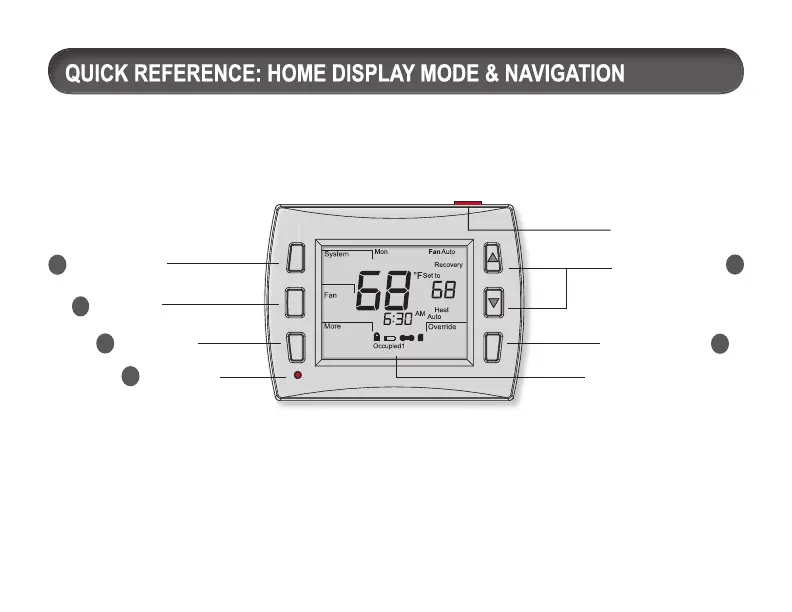
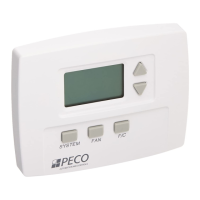
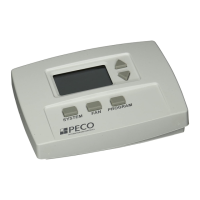
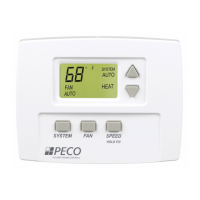
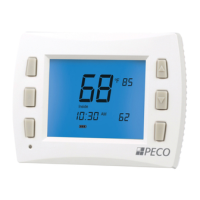
The Performance PRO T8000 Series has two ▲/ ▼(Up and Down) keys and four soft keys (1-3;
6 below). Press any key to enter Home Display from Default Display. Press soft keys to enter
submenus. Soft keys have multiple functions; available submenus depend on menu navigation.
1
System key
4
Demand
Indicator
3
More key
2
Fan key
SD card slot
5
Up and Down
keys
6
Override key
Digital display


 To Next Page