PS48/PS80 Advantage Series Salt Based Water Softeners
© 2015 Enviro Water Solutions LLC
3060 Performance Circle, Suite 2. DeLand, FL 32724
— Rev K
Page 10
www.pelicanwater.com
(877) 842-1635
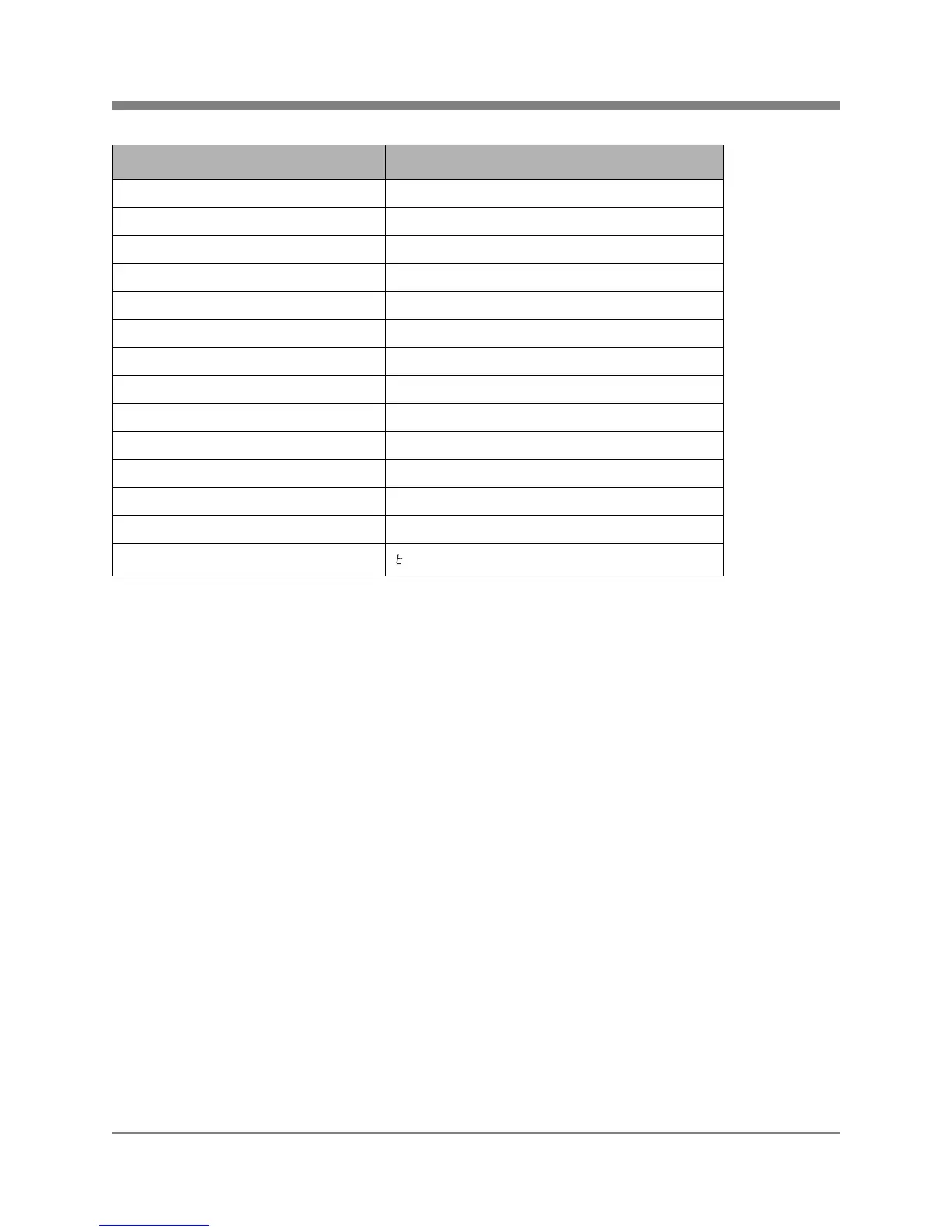
Table 2: Setting the Valve
Step 2: Setting the Time
1. Press and hold the UP or DOWN button to change the clock to the current time.
2. Press the EXTRA CYCLE button when the time is set.
Note: If the fauret icon flashes, it is indicating the need for an extra cycle, and will do so at the indicated
Regeneration Time unless an extra cycle is initiated sooner.
Note: The water drop icon will flash when water is flowing through the softener tank.
Step 3: Performing Manual Regen
You will not be able to use water in the house for approximately 2 hours during the Regen process.
1. Press and hold the EXTRA CYCLE button for 5-7 seconds until B1 displays.
Note: Gears will make noise and water will start to flow.
2. Allow the system to EXTRA CYCLE for 2 hours.
Your manual regen cycle is complete and the tank is ready for use.
Parameter Display (Left Corner) Data Display Set To
VT (Valve Type) dF2b
CT (Control Type) FD
C (Capacity) Size of system (Example: 48k or 80k)
H (Hardness) 20 minimum (Enter actual hardness if available)
RS (Reserve Selection) SF
SF (Safety Factor) 10
DO (Days Override) 14 - Municiple Water, 7 - Private Well
RT (Regeneration Time) 2:00
B1 (Backwash 1) 10
BD (Brine Draw) 60
B2 (Backwash 2) 5
RR (Rapid Rinse) 10
BF (Brine Fill) 20 (PS48), 30 (PS80)
FM (Flow Meter)
1.2 - Unit will begin syncing



 To Next Page