15
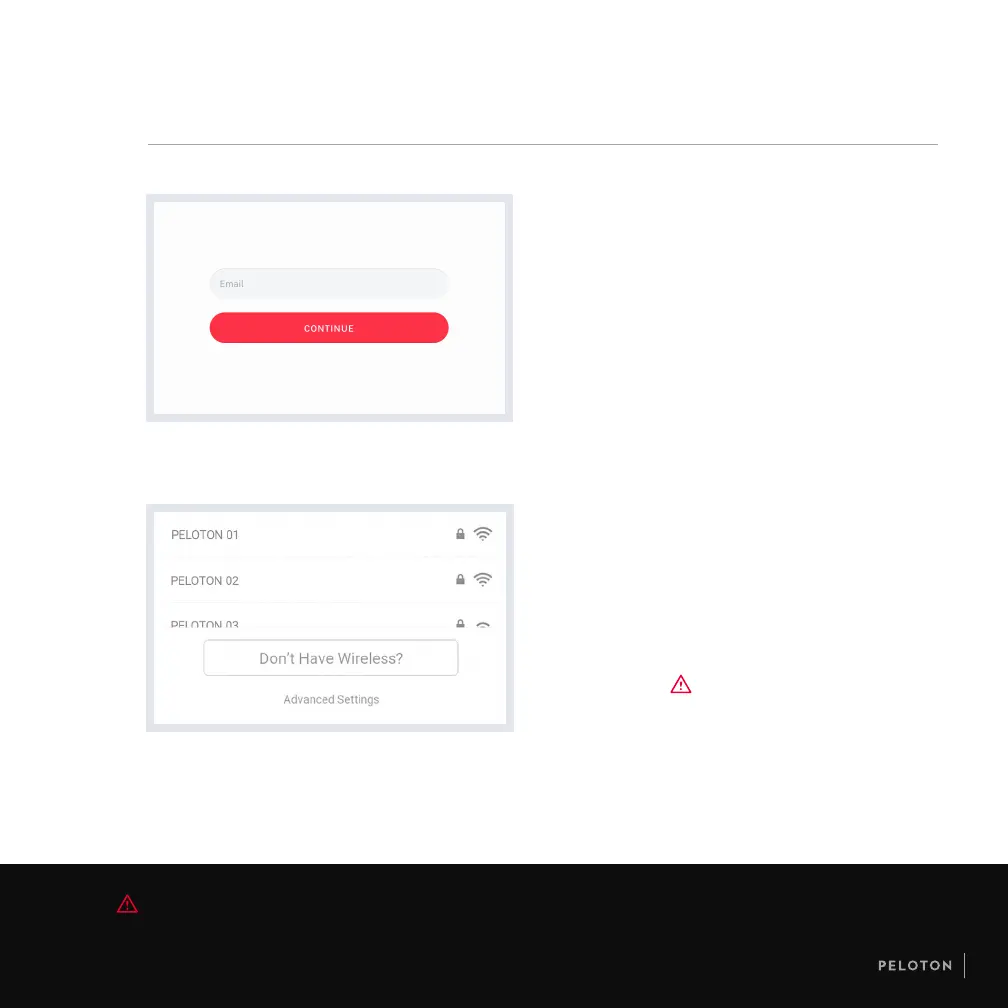
LOGGING IN
•
When logging in for the rst time, please have
available your Subscription Activation Key or the
login information you set up when you purchased
the Peloton Tread.
•
Once a subscription is activated and associated
with this Tread, any user can log in and access
subscription content.
CAUTION The Ethernet cable must not pass under the Tread or touch the running surface.
GETTING STARTED
CONNECTING TO
THE INTERNET
•
Select your WiFi network and enter the password.
•
If a WiFi network is not available, use an Ethernet cable
to connect to a Local Area Network (LAN). Pull the
back panel off the touchscreen mount to access the
Ethernet port.



 To Next Page