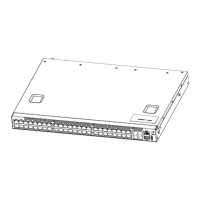
Arctica 4806xp switch Installation Guide Chapter3 Device Installation
7
Figure 3-6 Connect the DAC cable to Arctica 4806xp switch
The connection approach of DAC cable is below:
1. Connect the two side of DAC cable to SFP/SFP+/QSFP+ transceiver of Arctica
4806xp switch.
2. Check out the indicator light state of the light port. If LINK light is bright, it means
the link is connection. If LINK light puts out, it means the lines have trouble and
please check out the line connection.
3.2.7.AC Power Supply Connection
Arctica 4806xp uses 220VAC power supply by default. Please read the power input
specification for the detailed information.


 To Next Page