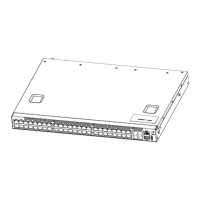
Arctica 4806xp switch Installation Guide Chapter 1 Introduction
5
Put out
No power supply or make a mis-
take.
System status
indicate LED
START
Green light al-
ways on
The system is power on and
running normally.
Put out The system is power off.
Table 1-4 The explanation of indicator light of rear panel
Indicator light
Rear panel sign State Meanings
Fan module
indicator light
Fan1/FAN2/FA
N3/FAN4
Green light al-
ways on
Fan module move normally.
Red light always
on
No fan module or fan speed is 0
Put out Fan module is power off
Table 1-5 The explanation of the port indicator light
Indicator light
Panel sign State
ETHERNET port
Link light (left)
Green light
Wink
The port is transmitting data.
Put out There is no data transmitting on port.
ETHERNET port
Activity light (right)
Yellow light
always on
The port is configured at 10M/100M speed
Green light
always on
The port is configured at 1000M speed
Put out No connection or fail to connect.
Indicator light of
SFP+ port
Green light
always on
The port is under the connection state of 10G.
Amber light
always on
The port is under the connection state of 1G.
Wink The port is transmitting data.
Put out No connection or fail to connect.


 To Next Page