Chapter 4 User Guide
4-1
Chapter 4 User Guide
4.1 Penpower Jr. Tool Bar
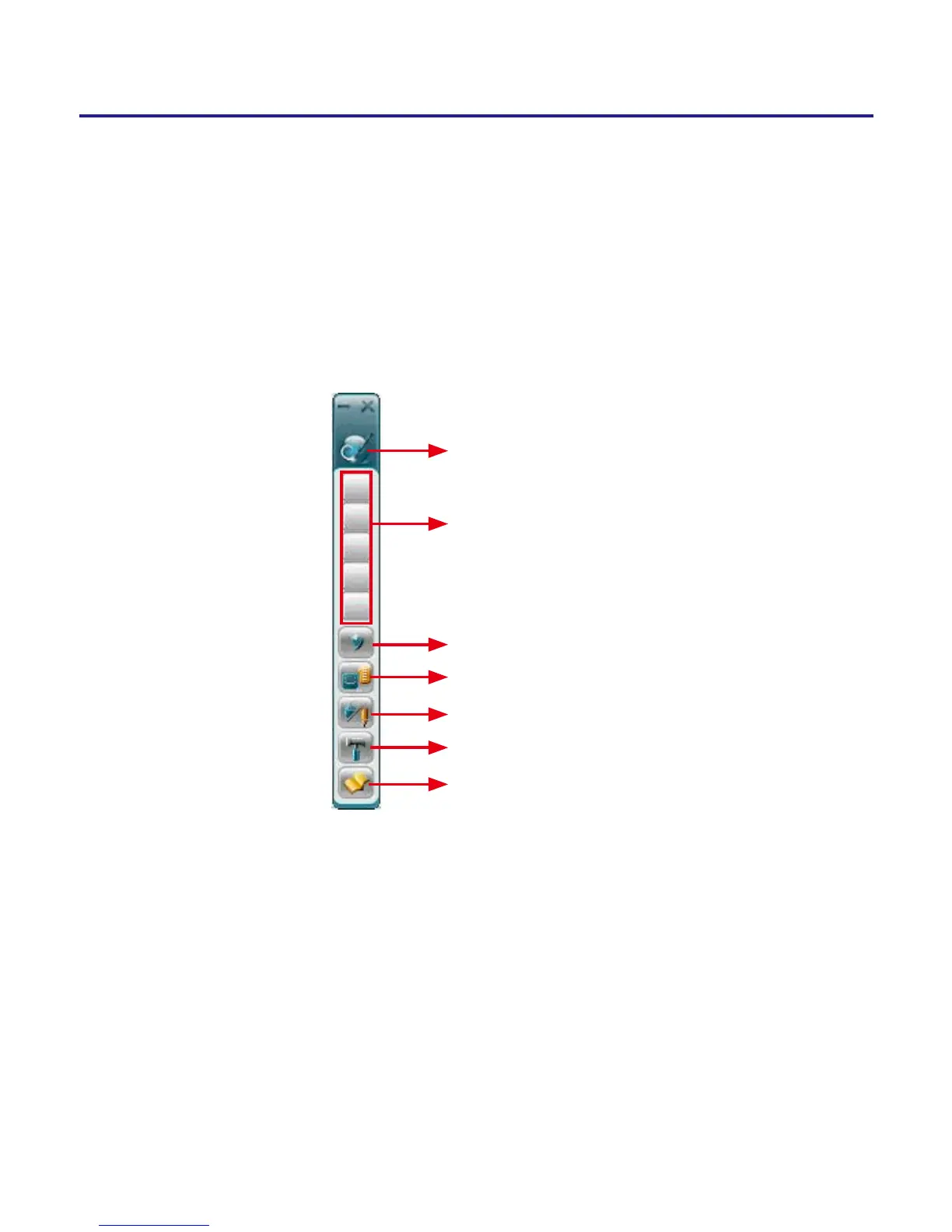
Click Penpower Jr. icon to start Penpower Jr. handwriting recognition
system. After clicking, the following tool bar appears:
About
Candidates
Symbols
Related Phrase
Writing and Mouse mode switch
Settings
User Manual
About: Show the software name, version, and copy rights.
Candidates: Show the candidate words to let you to correct the recognized
result quickly.
Symbols: Provide
,。、;:!?
symbols.
Related Phrase: Open/Close related phrase window. The related phrase win-
dow provides 6 related phrases and 5 related words for your reference and
input faster.



 To Next Page