4-8
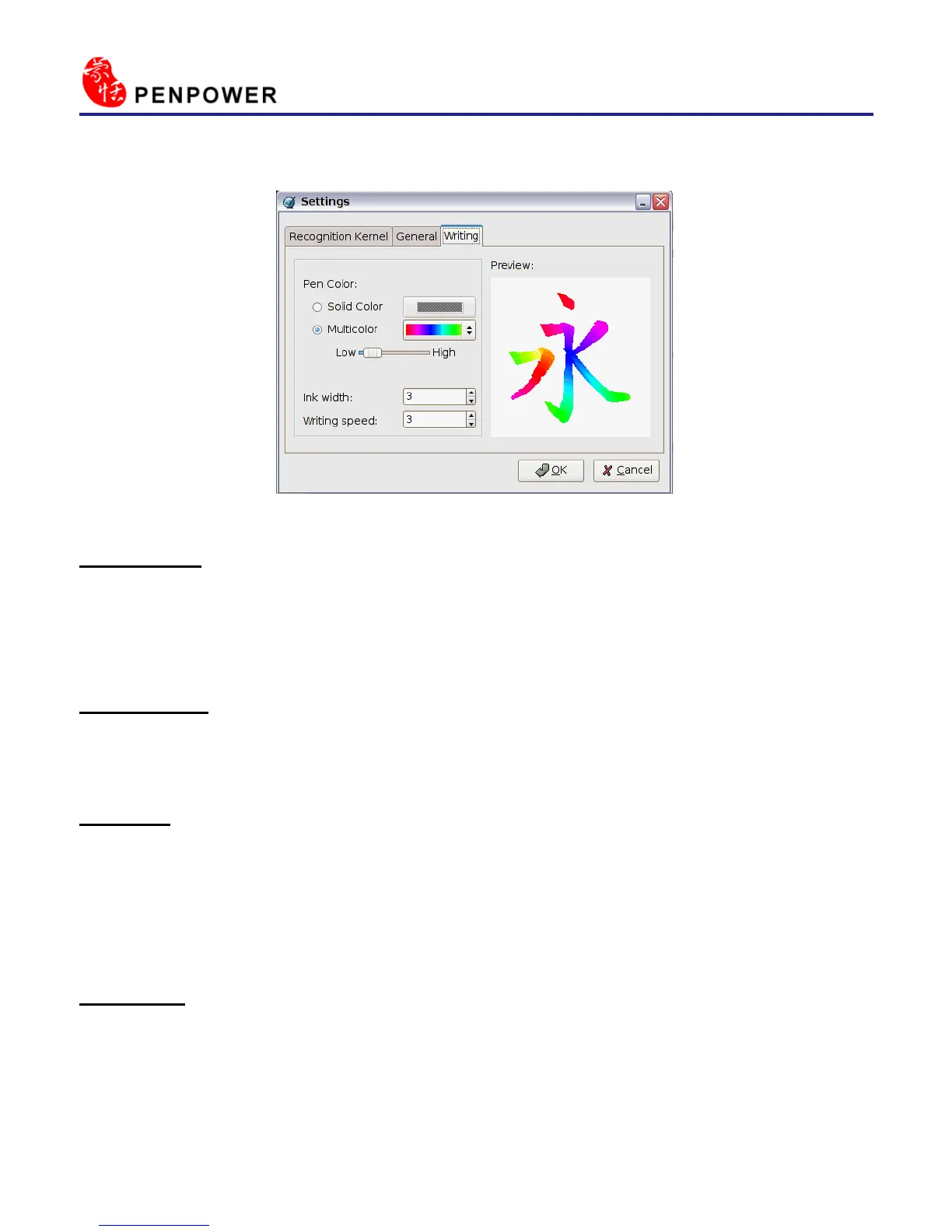
4.3.3 Writing Setting
* Ink color :
Change the color of inking. You can adjust the smoothness of color degree
for Multicolor option.
* Ink width :
Change the thickness of inking.
* Speed :
There are several levels of writing speed you can set. After you stop writ-
ing, the less the relative value is, the shorter the timeout waiting for recogni-
tion is.
* Preview:
The Preview area shows the effect of the settings.
Click OK to close setting window.



 To Next Page