3-2
3.2 Handwriting Pad Hot Keys
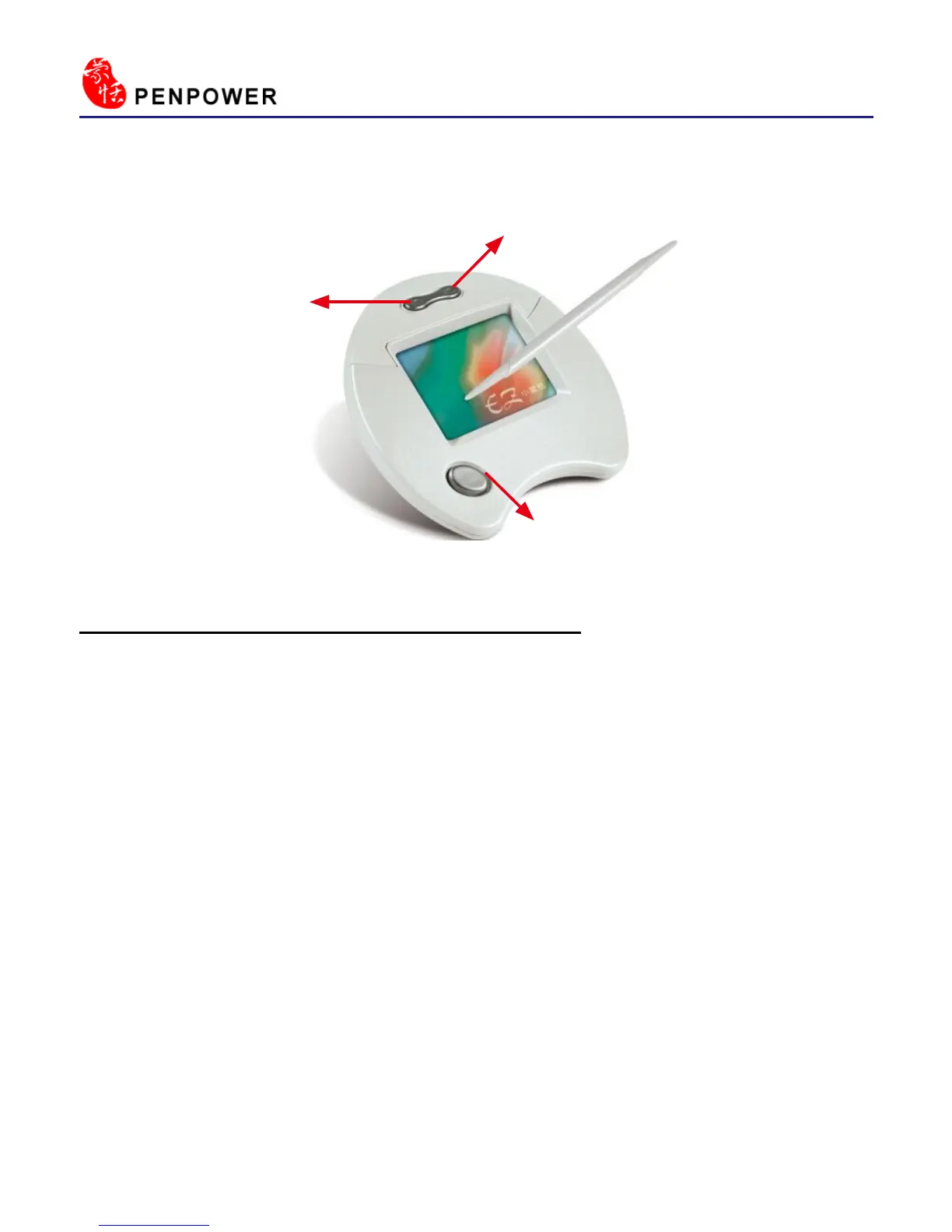
There are three buttons on the handwriting pad:
The button on the bottom: the writing and mouse mode switch button.
Top-left button: It can be used to select candidate words in the writing
mode. It also can be used as the left click on the mouse in the
mouse mode.
Top-right button: It can be used to input and select symbols such as
,。
、;:!?
in the writing mode. It also can be used as the
right click on the mouse in the mouse mode.
Left Button
Right Button
Handwriting/Mouse Mode Button



 To Next Page