Chapter 4 User Guide
4-7
4. Hongkong Character: If you need to recognize Hongkong Character, you
can select Traditional and Simplied Chinese to select Hongkong Char-
acter.
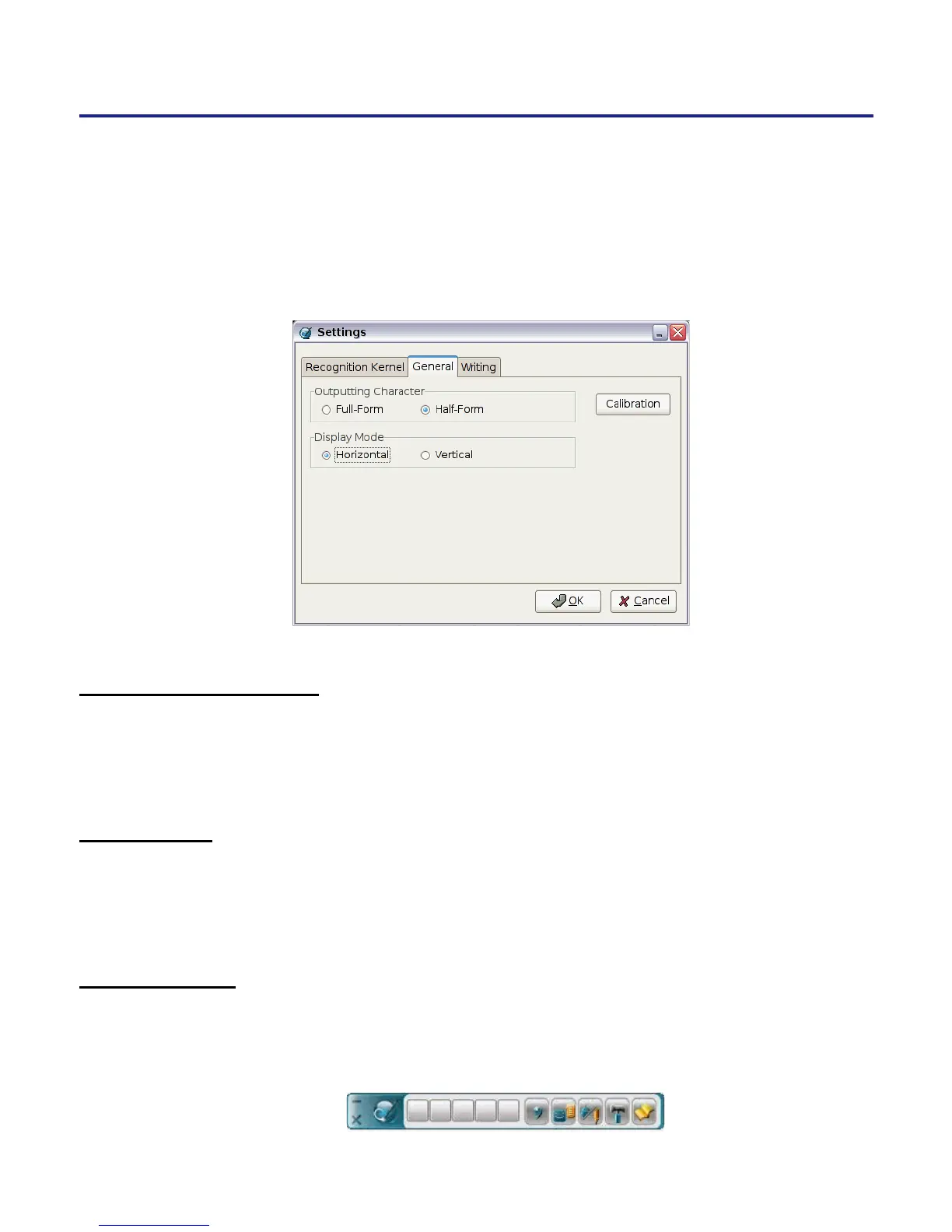
4.3.2 General Setting
* Half Form/Full Form:
To decide the output character of the alphanumeric recognition results will
be in one-byte ASCII code (half form) or double-bytes code (full frorm).
* Calibration
Click the Calibration button to calibrate the handwriting pad. Please refer
to 3.1 Calibration.
* Display Mode
The setting of the tool bar display as horizontal or vertical.
Vertical



 To Next Page