8
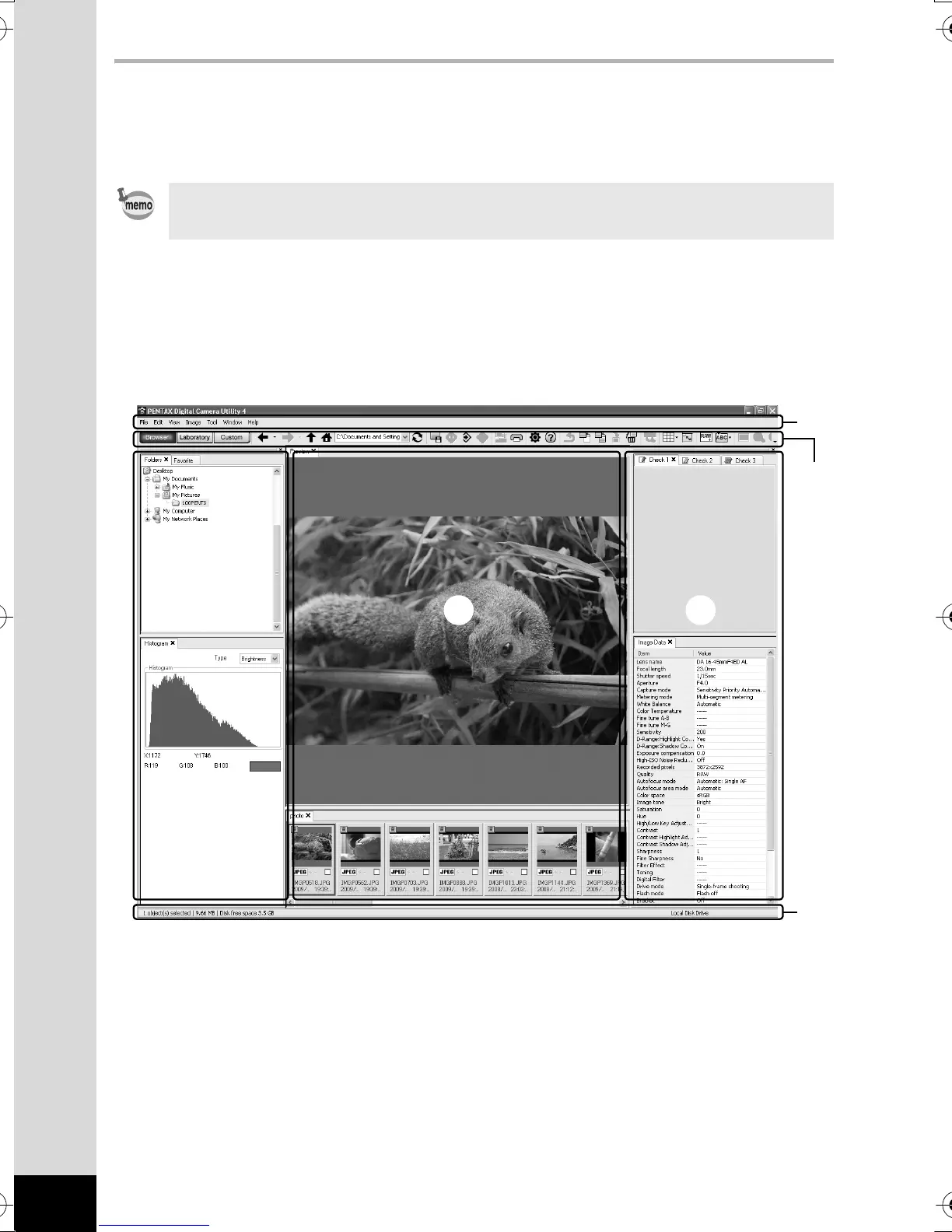
The PENTAX Digital Camera Utility 4 Screen
When PENTAX Digital Camera Utility 4 is launched, the following screen
(browser) appears.
The Browser tab set (default setting)
You can perform the file management functions such as viewing
and managing the images.
1Menu Bar
This executes functions or sets various settings.
For Macintosh, the Menu bar appears at the top of the desktop.
2Tool Bar
Frequently used functions are provided as Tool bar buttons.
• The screenshots used in this explanation are for Windows.
2
5
343
1
e001_kb474_qg_pc_7.fm Page 8 Thursday, May 28, 2009 9:41 AM



 To Next Page
 Loading...












