58
Playback/Erasing
59
Playback/Erasing
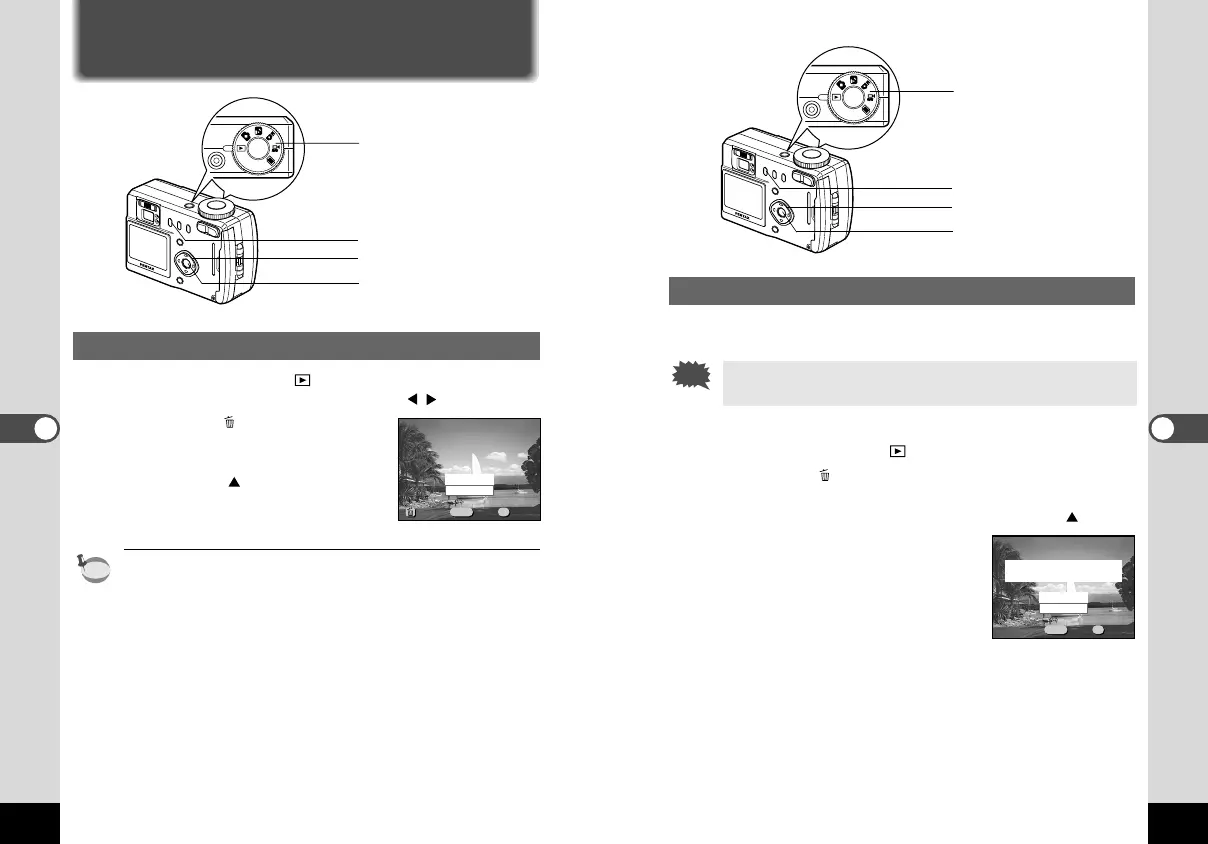
Erasing All Images
You can erase all the images on the CF card.
• Once erased, images cannot be restored.
• Protected images cannot be erased.
z Set the mode dial to .
x Press the button twice.
The [Delete (All)] menu will be displayed.
c Select [Delete All] with the four-way controller ( ).
v Press the OK button.
Erasing Images
Erasing a Single Image
z
Set the mode dial to and choose the image you want
to erase with the four-way controller ( ).
x Press the button.
The [Delete] menu will be displayed.
c Select [Delete] with the four-way
controller ( ).
v Press the OK button.
You can also delete images from Instant Review (p.19) and Easy
View (p.20).
100-0020100-0020
Cancel
Delete
MENU OK
ExitExitExit
DeleteDeleteDelete
All ImagesAll Images
OkOkOk
100-0020100-0020
Cancel
Delete All
MENU OK
ExitExitExit
Delete(All)Delete(All)Delete(All)
Delete all images
on the memory card?
OkOkOk
v
zc
x
Mode dial
v
c
x
Mode dial
KB320(53-71)E.QE33 9/12/01 4:19 PM Page 58



 To Next Page