87
6
Playback/Deleting/Editing
You can display the image at maximum magnification simply by pressing
the Zoom/f/y button once during zoom playback.
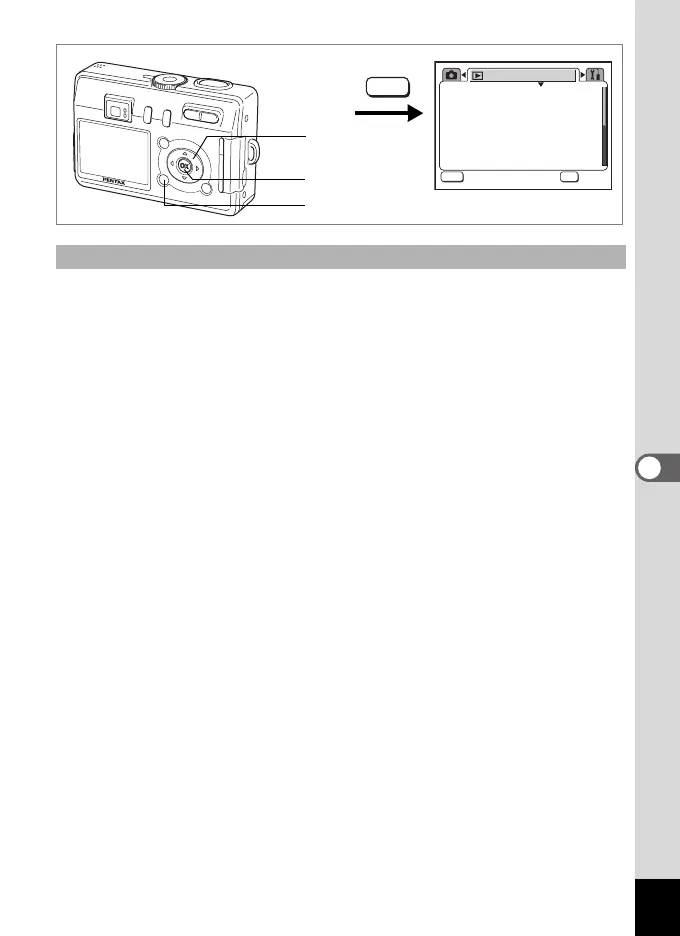
1 Press the MENU button in Playback mode.
The [Q Playback] menu appears.
2
Use the four-way controller (
23
) to select
[
Quick Zoom
].
3 Use the four-way controller (45) to select [On] or [Off].
On : Pressing x/y on the Zoom/f/y button once displays the
image at maximum magnification.
Off : Pressing x/y on the Zoom/f/y button once magnifies the
image in steps.
4 Press the OK button.
The camera is ready to take or play back images.
Setting the Quick Zoom Function
3sec
Protect
DPOF
Slideshow
Resize
Copy image/sound
Digital Filter
Playback
MENU
OK
OK
OK
Exit
Exit
MENU
1
2, 3
4
e_kb376.book Page 87 Tuesday, August 10, 2004 1:46 PM










 To Next Page