Page | 14
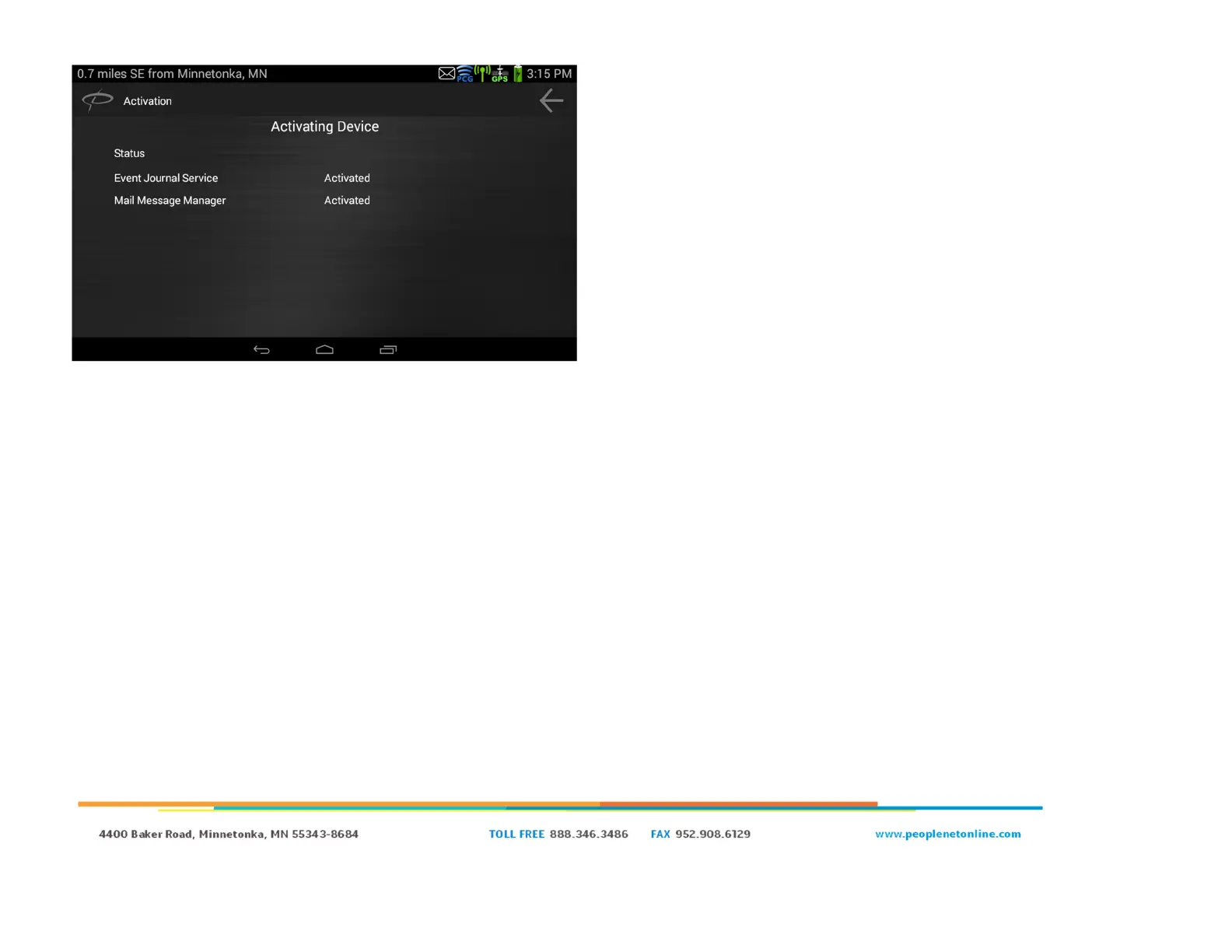
● You will then be prompted with “Activating Device”. This means
that the PD5 is loading settings from the PFM.
○ Event Journal Service and Mail Message Manager will
start off as “Activating”
○ Once all the settings have been received, they will go
from “Activating” to “Activated”.
● PMobile software will then reboot and load to the Driver Login
screen. At this point, your installation is complete.


 To Next Page