EasyManua.ls Logo

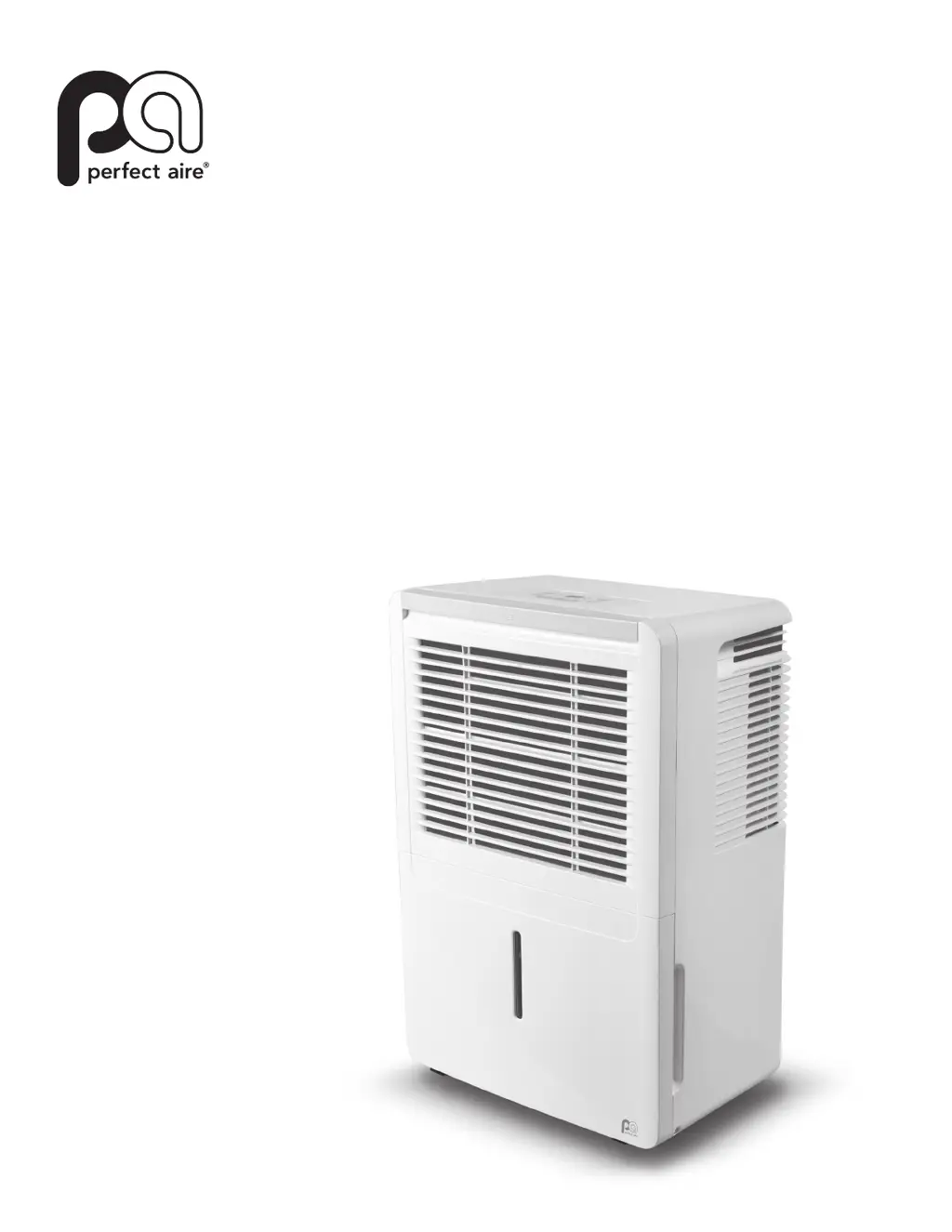
Perfect Aire 4PAD70 - User Manual

Perfect Aire 4PAD70
15 pages
Print Icon
To Next Page IconTo Next Page
Loading...
DEHUMIDIFIER
SHUMIDIFICATEUR
OWNER’S MANUAL
(PAGE 1)
FOR THE FOLLOWING MODELS:
MANUEL DE L’UTILISATEUR
(PAGE 12)
POUR LES MODÈLES SUIVANTS:
4PAD30
4PAD45
4PAD50
4PAD70
Before using your dehumidifier, please read
this manual and keep it for future reference
along with your receipt.
Avant d’utiliser votre déshumidificateur, lisez ce manuel
et gardez le pour y réferer en temps futur avec votre
reçu en tant que preuve d’achat.

Questions and Answers

  • S
    Savannah CurtisAug 7, 2025
    What to do if my Perfect Aire 4PAD70 Dehumidifier is not drawing water?
    • I
      ingramdavidAug 7, 2025
      If your Perfect Aire dehumidifier isn't collecting water, several factors could be at play. First, ensure the unit's size is appropriate for the room. When initially installed, run it on Continuous Mode for 24 hours. Allow sufficient time for moisture removal and set the humidity level low enough to ensure it actively removes moisture. The current humidity setting might match the room's actual humidity, preventing water collection. Verify that all doors and windows are closed, the unit is level with good air circulation, and the room temperature is above 41ºF.
  • C
    colton00Aug 13, 2025
    What to do if my Perfect Aire Dehumidifier continuous drain is not working?
    • C
      Clinton LeeAug 13, 2025
      If the continuous drain on your Perfect Aire dehumidifier isn't working correctly, make sure the hose is clean, pliable, and no more than 6 feet long. Ensure the hose is securely attached at both ends, especially the connector inside the unit. The hose should exit from the back of the unit and slope downwards towards the drain. If using a garden hose with an adapter, verify the connection is secure. Check for obstructions, kinks, or tears in the hose. The unit should be level, and the bucket should be fully pushed in. Ensure the filter, vents, and bucket are clean. If water still goes into the bucket, double-check the setup or try re-attaching the hose.
  • G
    georgemichaelAug 17, 2025
    Why is my Perfect Aire 4PAD70 always running?
    • R
      Rachel GravesAug 17, 2025
      Your Perfect Aire Dehumidifier might be continuously running for several reasons. The unit may be too large or small for the room, or it may simply need more time to remove moisture. If it's in CONTINUOUS mode, deselect this and set it to an appropriate humidity level. If the room's humidity is higher than the set level, it will keep running. Ensure all doors and windows are closed, the unit is level with good air circulation, and nothing is blocking it. Lowering the room temperature or relocating the unit away from moisture sources like sinks or washing machines might help. Also, ensure the filter, vents, and bucket are clean.
  • W
    William RussellAug 22, 2025
    What to do if my Perfect Aire 4PAD70 Dehumidifier won't start?
    • J
      Jerry BallAug 23, 2025
      If your Perfect Aire dehumidifier isn't starting, first ensure the plug is fully inserted into the outlet. Check your home's fuse or circuit breaker box. Also, verify that the bucket is not full and is correctly positioned. If the unit is in NORMAL mode, confirm that the humidity setting is lower than the current Relative Humidity (RH).
  • T
    timothy60Aug 27, 2025
    What to do if there is water on the floor near my Perfect Aire 4PAD70?
    • B
      bennettnicholasAug 27, 2025
      If you find water on the floor near your Perfect Aire dehumidifier, check all hose connection points to ensure they are secure. If you're collecting water in the bucket, verify that the continuous drain outlet plug is properly inserted in the back of the unit and that the unit is level. Also, ensure that the foam piece has not been removed from the float.
  • J
    Jeff BarberSep 1, 2025
    How to fix a Perfect Aire Dehumidifier that makes a loud noise?
    • S
      sheilarodriguezSep 1, 2025
      If your Perfect Aire dehumidifier is making loud noises, start by checking the air filter to ensure it's clean and not clogged. Also, make sure the unit is upright and placed on a flat, level surface. If you're using the pump operation, keep in mind that the unit might be noisy for the first 3-5 minutes after the pump starts.

Summary

Owners Manual

Quick Start Tips

Safety Precautions

Electrical Information

Control Panel Functions

Control Pad Buttons

Details the function of Power, Mode, Filter, Fan, Up/Down, Timer, and Display buttons.

Error and Protection Codes

Lists and explains common error codes displayed on the unit.

Additional Unit Features

Explains features like bucket full indicator, auto shut off, auto defrost, and auto-restart.

Timer Setting Guide

Instructions for setting the automatic start and stop timer functions.

Identification of Parts

Front and Rear Components

Details the various parts located on the front and rear of the dehumidifier.

Operating the Unit

Unit Positioning Guidelines

Recommendations for optimal placement of the dehumidifier for effective operation.

Initial Operation Procedure

Instructions for the first-time use, including continuous mode operation.

Water Removal Methods

Using the Internal Bucket

Steps for removing and emptying the internal water bucket.

Continuous Draining Setup

Instructions for connecting a hose for automatic water drainage.

Care and Maintenance

Exterior and Bucket Cleaning

How to clean the dehumidifier's case and water bucket to prevent issues.

Air Filter Maintenance

Instructions for removing and cleaning the air filter for optimal performance.

Proper Unit Storage

Guidance for storing the unit during prolonged periods of non-use.

Troubleshooting Common Issues

Issue Resolution Chart

A detailed chart listing common problems and their possible causes and solutions.

General Troubleshooting Tips

Recommended steps like unplugging the unit and trying different outlets.

Perfect Aire 4PAD70 Specifications

General IconGeneral
Model Number4PAD70
TypeDehumidifier
Moisture Removal Capacity70 pints per day
Water Tank Capacity16.9 pints
Energy Star RatedYes
Filter TypeWashable filter
Coverage Area4500 sq ft
Power Source115V / 60Hz
Power Consumption680 watts
FeaturesAuto shut-off, continuous drain option, digital humidistat

Related product manuals