5
IDS-710 Hardware Installation Guide
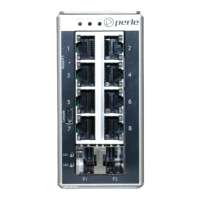
Sys (System Status)
Alr (Alarm)
Ports
10/100/1000Base-T Ports
These ports provide the standard 10/100/1000 Mb/s Ethernet through twisted pair (UTP)
cables of up to 100 meters (328ft) in length.
SFP Slots
The SFP slots can accommodate industry standard SFPs from Perle or other suppliers.
These SFPs can be fiber or copper. The fiber SFP run at a speed of 1000 or 2500 Mbps.
The copper SFP are SGMII based and can support speeds of 10/100/1000 Mbps.
USB Console Port
The MicroUSB port is the switch’s console port. When connected the port presents a
serial interface that can be used from a PC Terminal emulation program (such as PuTTY).
This provides access to the switch management function using the industry standard CLI
command set.
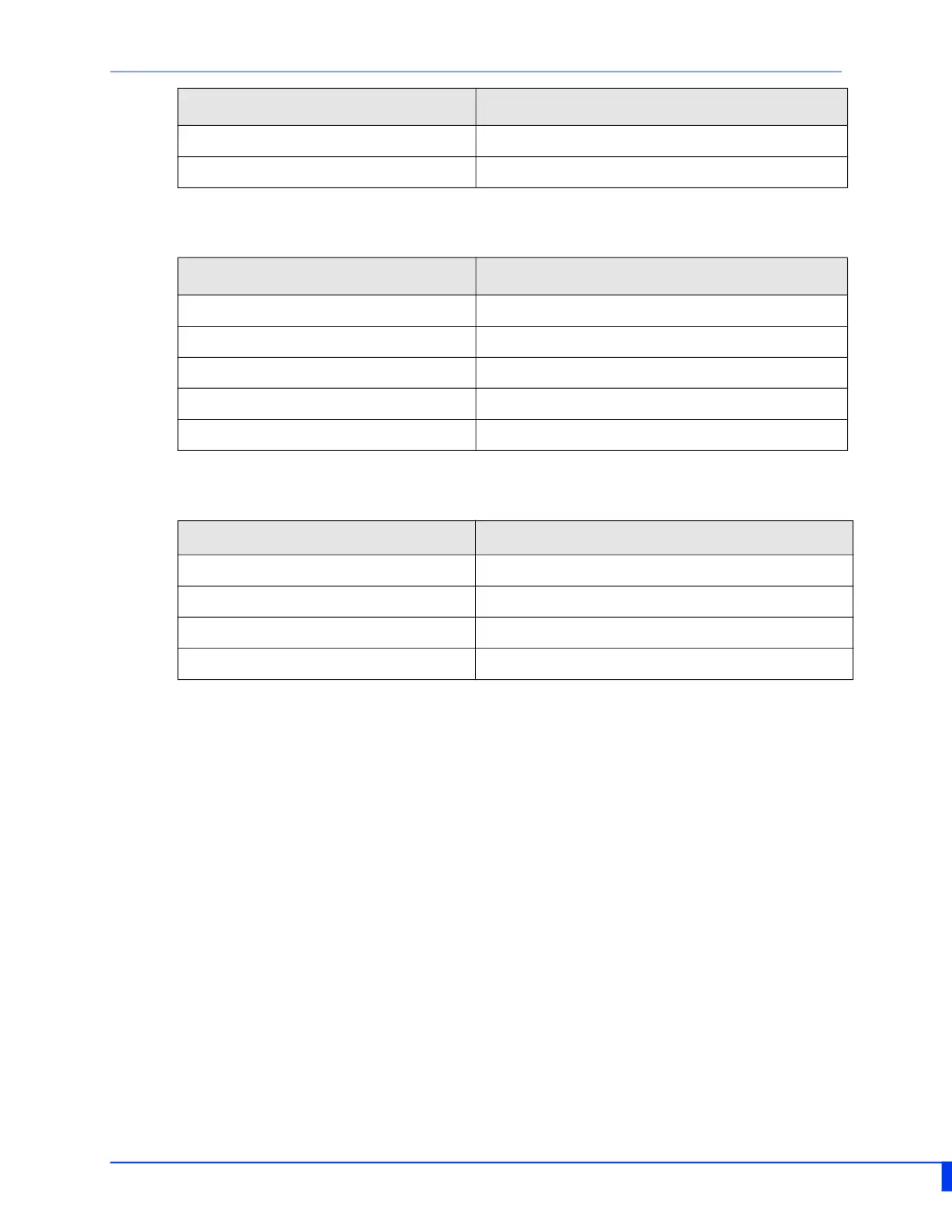
Yellow - solid P1 or P2 providing power within specifications
Red Neither P1 and P2 providing power within specifications
State Description
State Description
Green - blinking (after power on) System booting
Green - solid System ready/operating normally
Green - blinking slowly Fast Setup Mode activated/port available
Green - blinking fast Fast Setup Mode activated/no port available
Red Hardware fault or firmware load error
State Description
Off No alarms configured
Green - solid Alarms configured, but no alarms detected
Red solid Alarm condition detected
Red blinking Alarm condition detected and Alarm Relay activated


 To Next Page