F3 Corpus
Getting to know your wheelchair
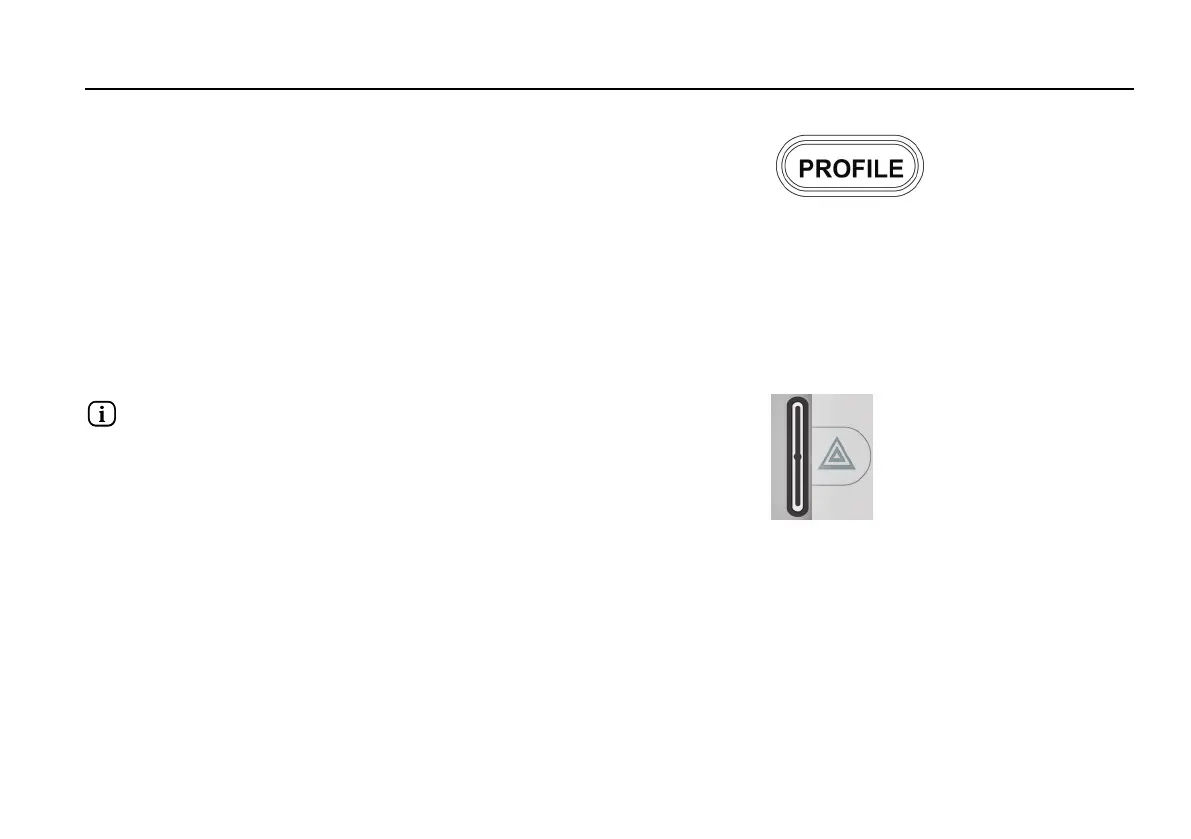
Profile button
Figure 35. Profile button.
The profile button allows the user to navigate through the profiles
available for the control system. The number of profiles available
depends on how the control system is programmed.
Function buttons
There are a total of four buttons located on the left and right sides of
the display. The symbols on the display show the current button
function.
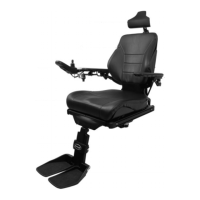
Hazard warning button and screen symbol
Figure 36. Hazard warning button and screen symbol.
Only active if the wheelchair is fitted with lights.
This button switches the wheelchair hazard lights on or off. The
hazard lights are used when the wheelchair is positioned in such a
way that it constitutes an obstruction for others. Push the button to
switch the hazard lights on and push it again to switch them off.
When activated, the screen symbol will flash in sync with the
wheelchair hazard lights.
73










 To Next Page