F3 Corpus
Getting to know your wheelchair
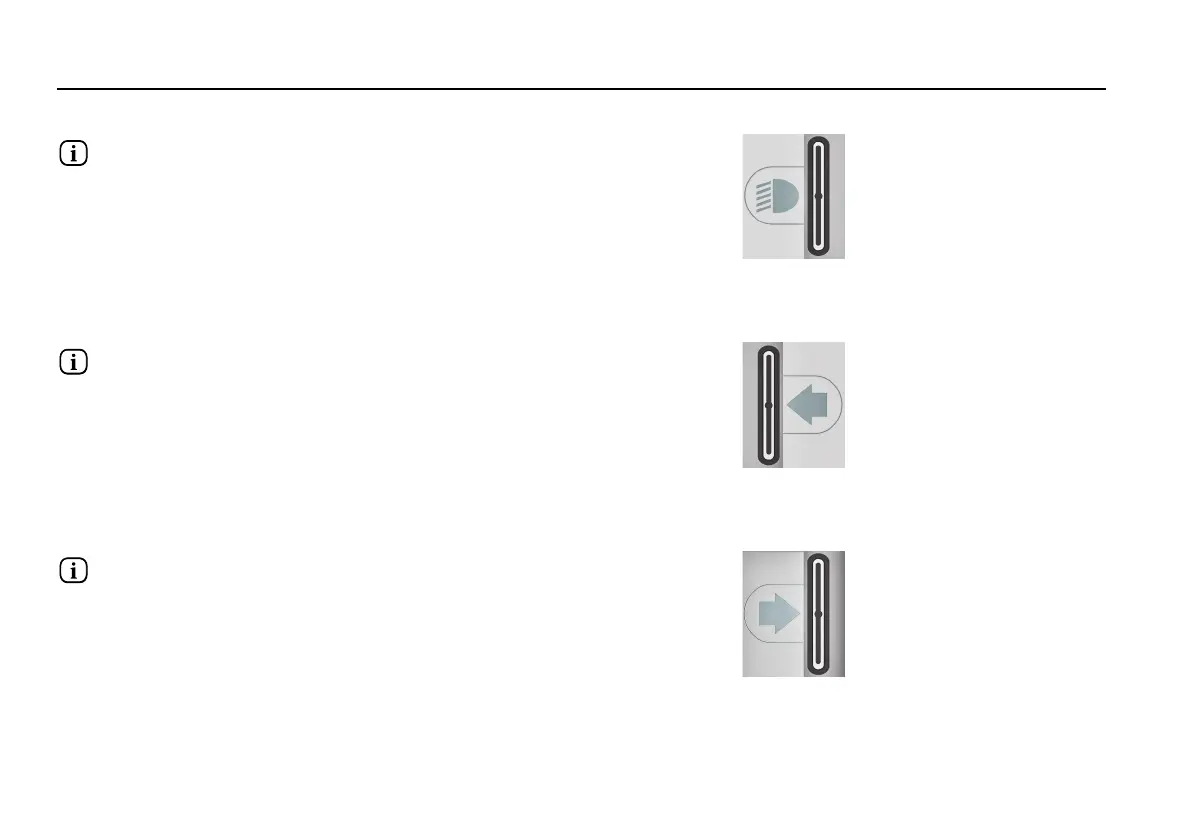
Lights button and screen symbol
Figure 37. Lights button and screen symbol.
Only active if the wheelchair is fitted with lights.
This button switches the wheelchair lights on or off. Push the button
to switch the lights on and push it again to switch them off. When
on, the lights screen symbol lights up.
Left turn indicator button and screen symbol
Figure 38. Left turn indicator button and screen symbol.
Only active if the wheelchair is fitted with lights.
This button switches the wheelchair’s left indicator on or off. Push
the button to switch the indicator on and push it again to switch it
off. When activated, the left indicator screen symbol will flash in
sync with the wheelchair’s indicator.
Right indicator button and screen symbol
Figure 39. Right indicator button and screen symbol.
Only active if the wheelchair is fitted with lights.
This button switches the wheelchair’s right indicator on or off. Push
the button to switch the indicator on and push it again to switch it
off. When activated, the right indicator screen symbol will flash in
sync with the wheelchair’s indicator.
74














 To Next Page