Permobil K/C300 Owner’s Manual
Operation
71
(Not applicable to all seat models)
The control system on some seats has
three memory locations for seat pos-
itions. Each memory location can store
the position of the seat’s adjustment
device. This means that it is easy to
retrieve a seat position saved earlier.
Retrieving position from memory
1. Press the “Mode” button one or
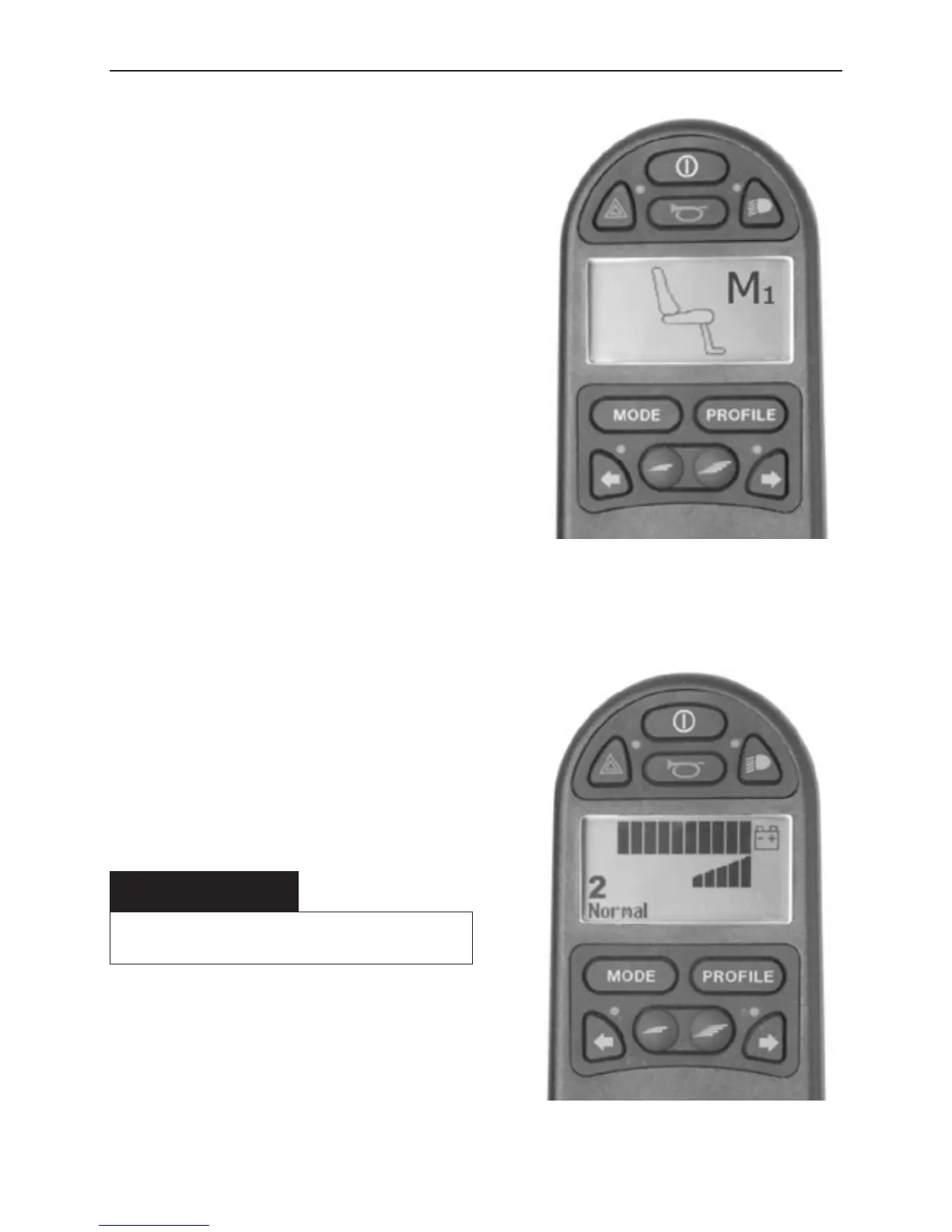
more times until a seat icon appears
in the control panel display.
2. Move the joystick to the left or right
to select a memory location (M1,
M2 or M3). A seat icon and memory
symbol “M” for the memory location
selected are shown in the control
panel display - see illustration.
3. Move and hold the joystick for-
wards. The seat adjusts to the pos-
ition stored earlier. For reasons of
safety, the joystick must be held for-
wards until the seat is fully adjusted
to the required position. Once the
seat has adjusted to the saved pos-
ition, it stops moving.
Memory function activated.
m CAUTION
Movement of the seat can be stopped at any
time by releasing the joystick.
Return to drive mode
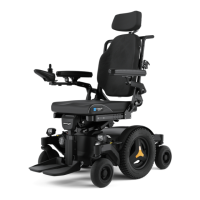
Press the “Mode” button one or more
times until a standard display image
with speed indicator appears in the con-
trol panel display - see illustration.
Standard display image
with speed indicator.
Seat functions R-Net LCD









 To Next Page