PART 4: CONTROLS AND DISPLAYS
PB1319 (CAT. NO. 5296 ) —22— 22-01691 (R02/02)
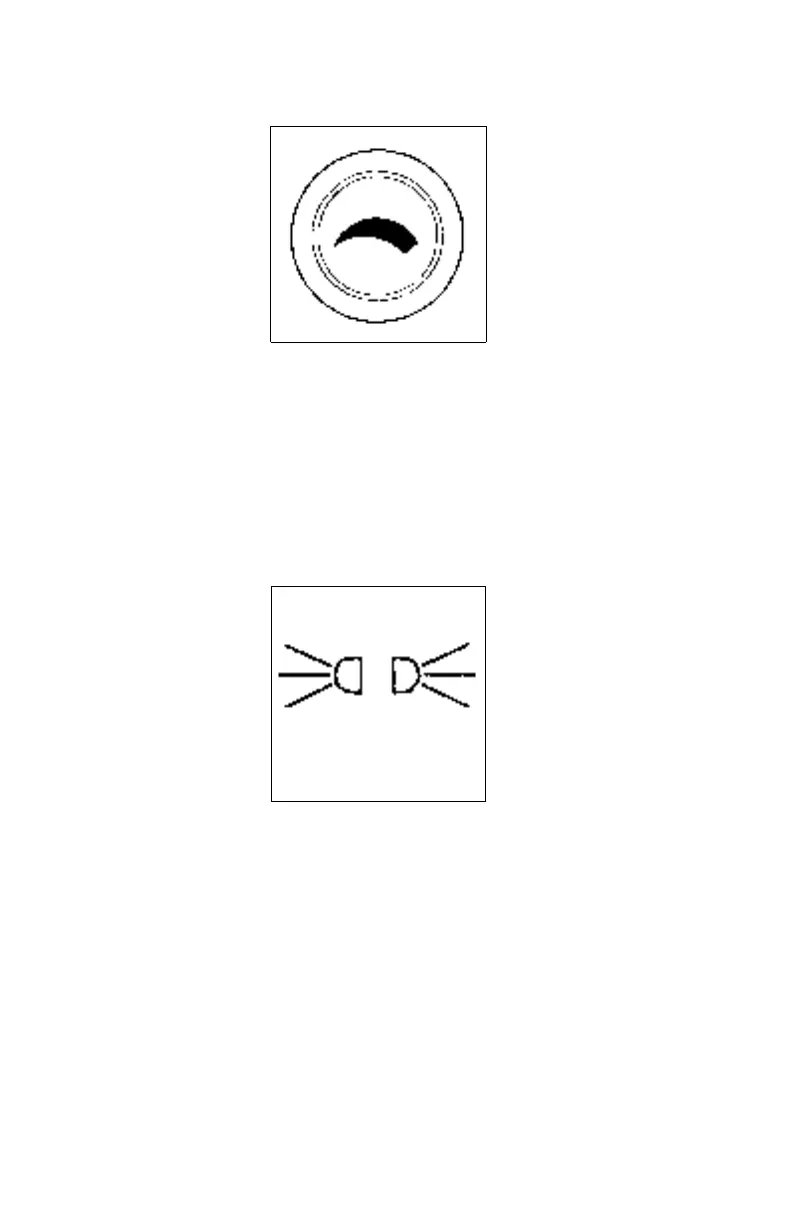
Panel Light Knob
The Panel Light Knob lets you vary the brightness of your instrument
panel lights.
To Operate Your Panel Light Knob:
1. Turn on either the headlights, clearance lights, or fog / driving
lights.
2. To brighten the instrument panel lights, turn the knob clockwise.
3. To dim the instrument lights or to turn them off, turn the knob coun-
terclockwise.
ID and Clearance Lights Switch
These are the amber lights on top of your cab, the lights on the front
and sides of the trailer and the red lights on the rear of a truck or
trailer. They are controlled by the control panel switch shown above.
02891
02892



 To Next Page