TouchScreens
Theclocksettingsare:
TimeAdjust–Pressingtheuparrows
willincreasethehoursorminutes
andpressingthedownarrowswill
decreasethehoursorminutes.
SyncwithGPS
–Pressthesyncwith
GPSbuttonwillsettheclocktothe
sametimeastheGPSsystem.
TimeZone–PressingthePrevious
buttonwilltakeyoutotheprevious
timezone.PresstheNextbuttonwill
takeyoutothenexttimezone.
TimeFormat
–Pressingthe12Hour
buttonwillsetthetimetotheAM/PM
12hourformat.Pressingthe24Hour
buttonwillsetthetimetothe24hour
format.
UnitofMeasure
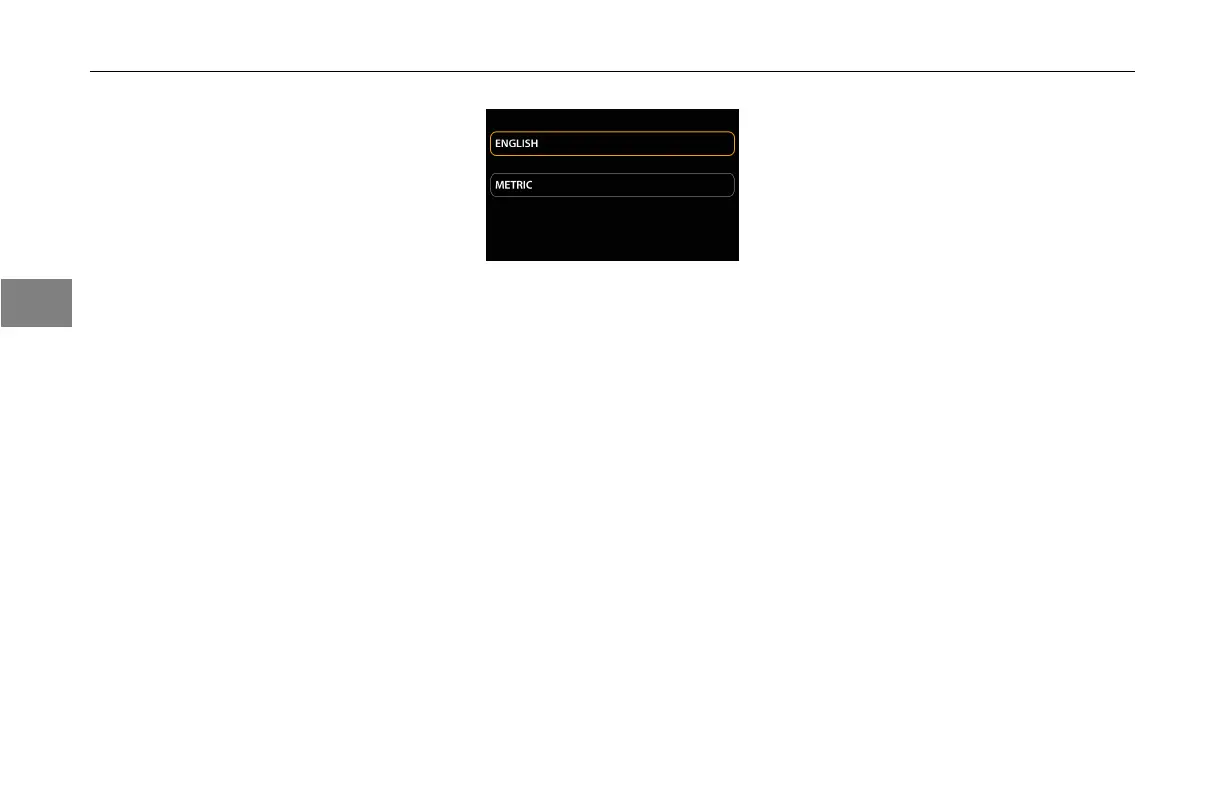
PresstheU/M(unitsofmeasure)icon.
Thisscreenwillappear:
UnitofMeasureSetupScreen
Theunitsofmeasurecanbechanged
bytheusertotheEnglishormetric
format.Allunitsofmeasurement
displayedonthetouchscreenwill
changetotheformatselected.
Camera
Thecameracanbesetupinautomatic
modeormanualmode.Presson
AutomaticModeorManualModeto
selectthedesiredmode.
Wheninautomaticmodethecameras
willautomaticallyturnonfromtheinput
receivedfromthevehicle.
Automaticmodealsoallowstheuser
toturnONorOFFtheautoreverse
camera.
ManualModeallowsthedriverto
togglebetweencamerasbypressing
onthenumbersdisplayedonthetitle
bar.
Theusershallonlybeabletoselect
eitherAutomaticorManual.The
selectedmodewillhavethehalo
highlightednotedas“–ON”.Theunit
notselectedwillbenotedas“–OFF”.
Bluetooth®Devices
PresstheDevicesicon.Thisscreen
willappear:
3-
24
3



 To Next Page