Download the app and set up your fence
1 2
4
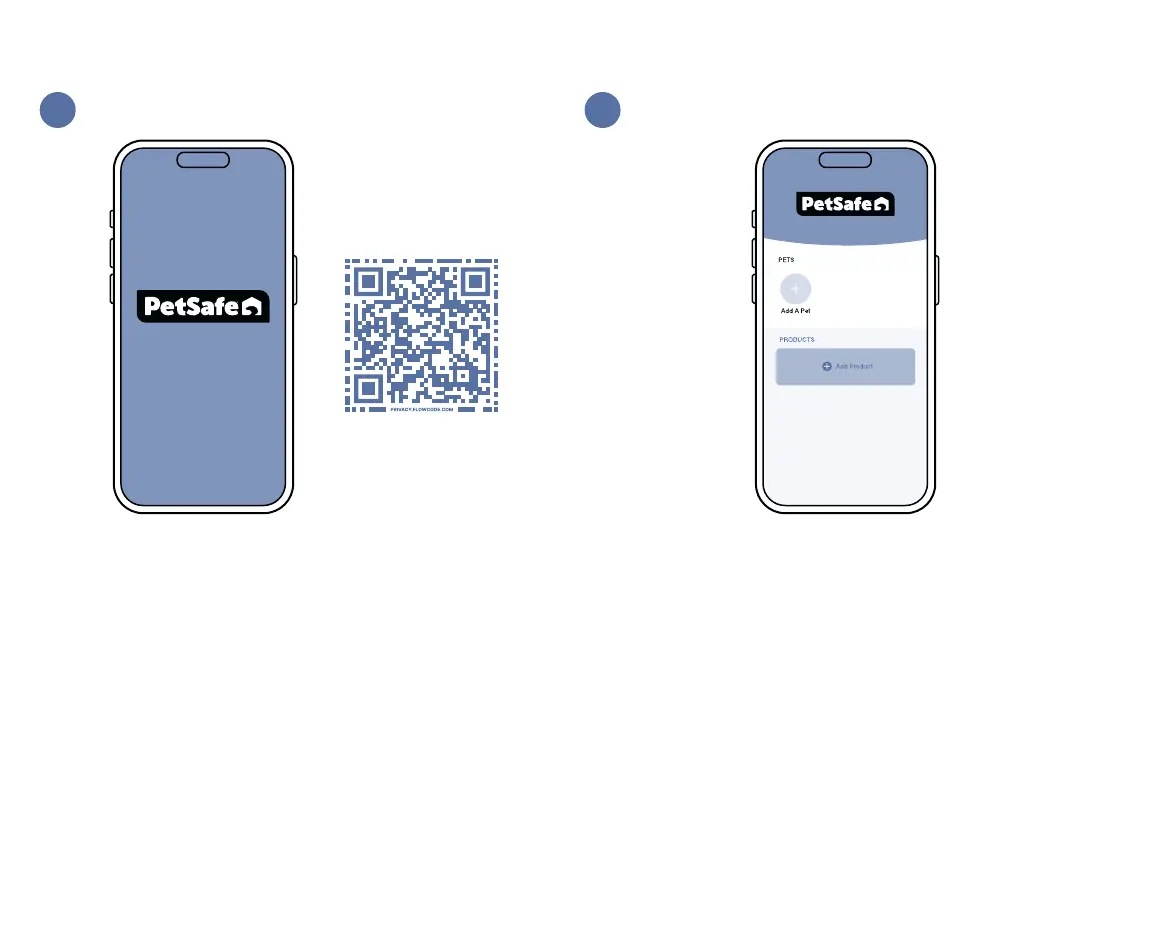
Scan the QR code above to download the My PetSafe
®
app.
Open the app and follow the on-screen prompts to create
an account and sign into the app. You will need a valid email
address.
Once you are signed into the app, tap Add Product and then
Guardian
®
GPS Fence. Follow the on-screen prompts to:
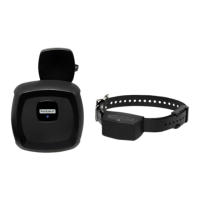
• Charge the collar battery.
• Find the best placement for your base unit.
• Connect the base unit to Wi-Fi. (You will need your home
Wi-Fi password.)
• Create your dog’s fence by placing digital fence posts on
a map.
• Connect to the collar.
• Assign a pet to the collar.
• Save the fence to the collar.
• Use the collar to test the fence.




 To Next Page