22
Phantom Ultrahigh-speed Camera Manual
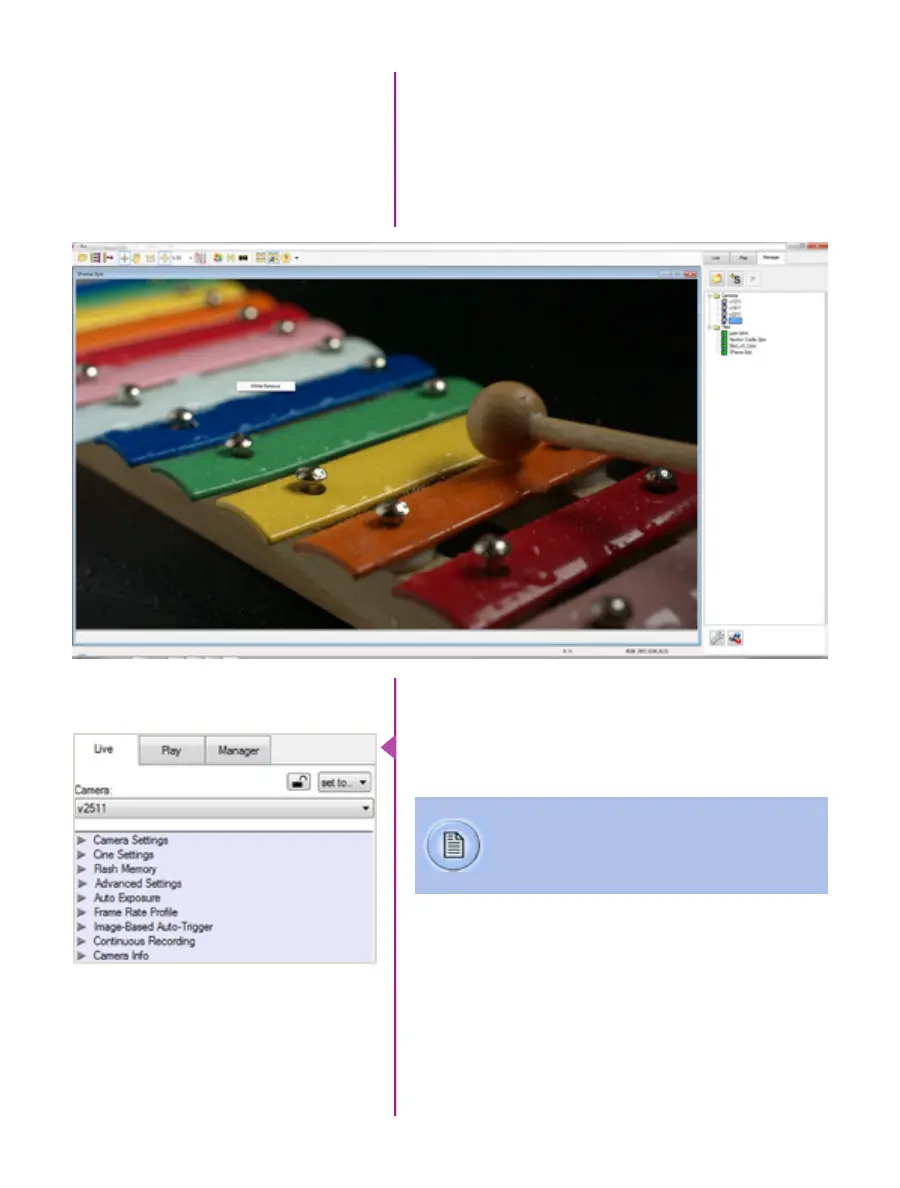
Once a camera is selected a ‘Preview’ panel will display
to the left of the control tabs showing the current image
being captured by the camera. This image may differ
slightly to that of the image being output over the
camera’s two HD-SDI ports due to display differences
in the video monitor and computer screens.
Automatic White Balance
Just below the ‘Camera’ selector in the ‘Live’ tab are a
series of expandable headers, which contain groups of
related camera settings.
Capture Settings
This manual will cover the most commonly
used settings, see the ‘Pcc Help’ file for details
of other settings.



 To Next Page