51
Chapter 6: On-Screen Displays
capture screens
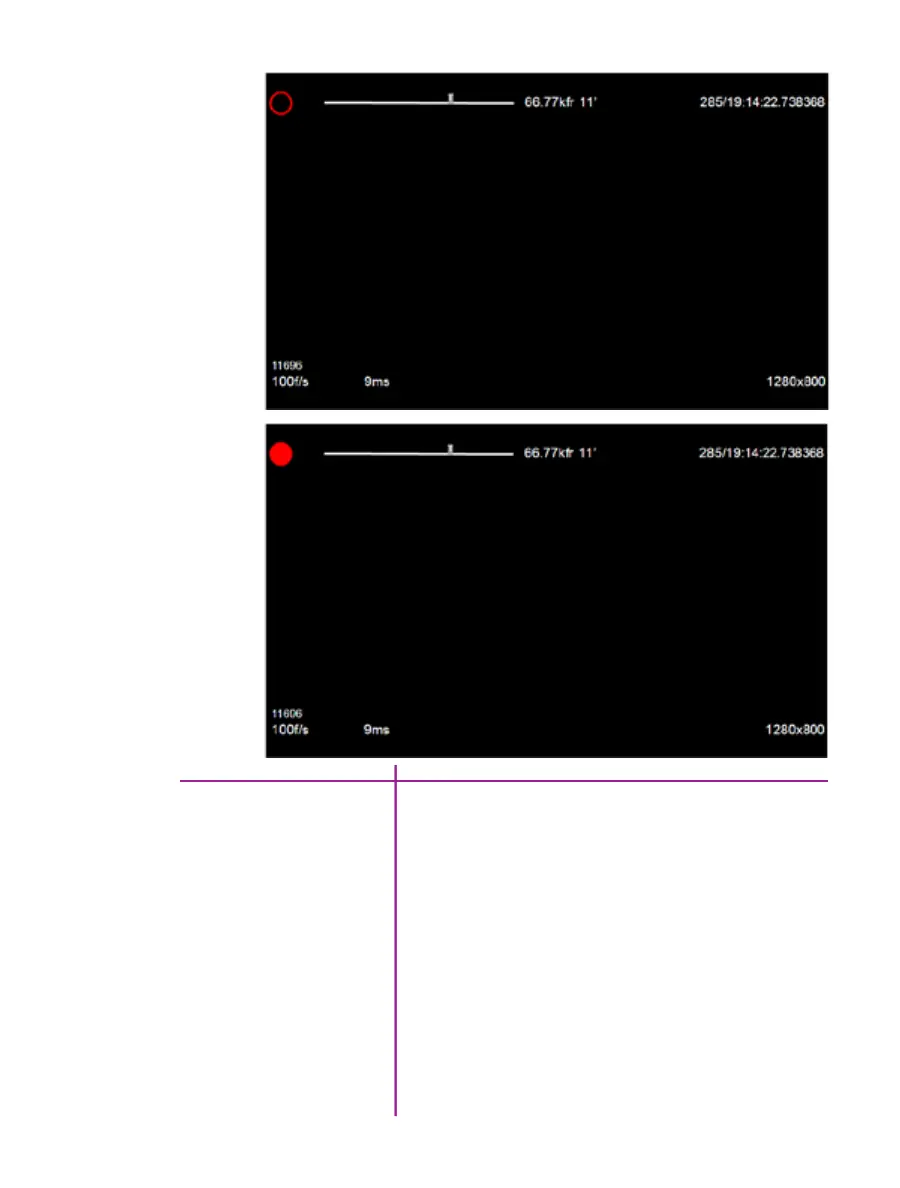
The on-secreen display information for the ‘Capture’
screen, and the ‘Post Trigger Recording’ screen, are the
same as the ‘Live Preview’ display except for the camera
state designators.
An empty red circle indicates the camera is recording
to internal memory (RAM), and awaiting a trigger signal.
Displays a ‘Live’ image on the video monitor.
A full red circle indicates the camera has been triggered,
and is filling internal memory (‘Post-Trigger’ frames).
Displays a ‘Live’ image on the video monitor.
Capture Screen
Post Trigger Recording Screen



 To Next Page